Tag: Windows Phone

MobileTechnology

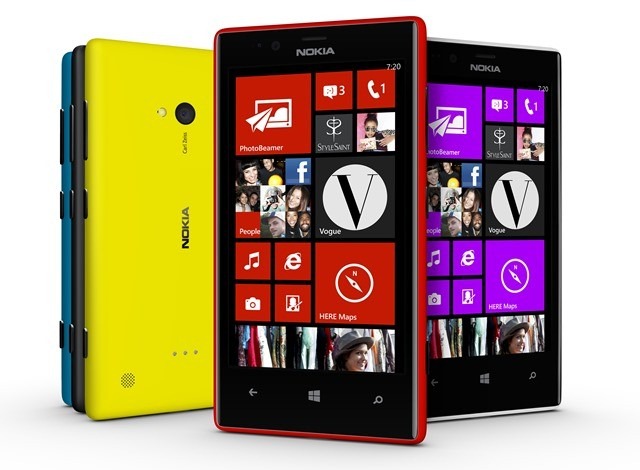
Nokia Lumia phones to get more exclusive Windows Phone apps

nokia-lumia-720-color-range_crop_thumb_2dcd9df5

More Nokia announcements today on exclusive Nokia Lumia apps…

  • GoPro app
  • Burton and  Burton Sequencer apps
  • Foursquare app
  • Tumblr (official) app

Finally Nokia has struck a deal with Dreamworks Animation. Dreamworks will use Nokia’s API to create rich, interactive entertainment experiences exclusively for Nokia devices. No details on what ‘interactive entertainment experiences’ are coming, but we should know more later this year and hopefully see them in the second half of 2013.

Read more

Enjoy!

DevelopmentMobileTechnology

Windows Phone Dev Center App

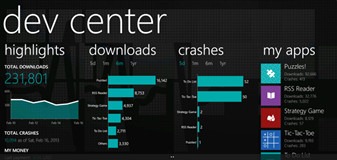
Came across a great Windows Phone app that lets you track your app and provides all kinds of great data about it.

image_3324f6fb

656aa01c-fc78-4ab8-af67-7caf668ab4aeDev Center

Good app developers know how to keep their customers happy. The Windows Phone Dev Center app (preview) gives you all that great data about how your app is doing in the real world to help you make it the best it can be. Access download and crash trends, and read user reviews quickly from your phone.

IMPORTANT: This app requires a Windows Phone Dev Center account and won’t work without one.

Key features:

• Secure connection to Windows Phone Dev Center.
• Downloads and crash trends for 5d, 1m, 6m, and 1y periods.
• User reviews translated to a language of your choice.
• Live Tile updates of new downloads and crashes.
• Ability to share links to your apps.
• Payment info.

Check it out:

http://www.windowsphone.com/en-us/store/app/dev-center/2d3063c2-4b29-4e69-9c03-50b67b0e6aec

MobileTechnology

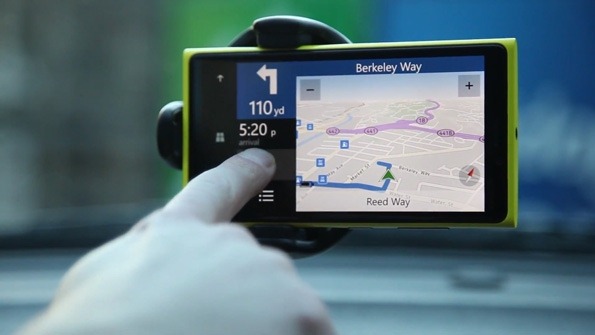
Nokia Ships New HERE Location Apps for Windows Phone 8

here-apps-wp8-hero

Excellent post on new announcements for Nokia HERE location apps. Read more.

HERE Maps, HERE Drive Beta and HERE Transit are all available for all Windows Phone 8 smartphone users.

HERE Drive+ and HERE City Lens remain an exclusive for Nokia Lumia devices.

Enjoy!

MobileTechnology

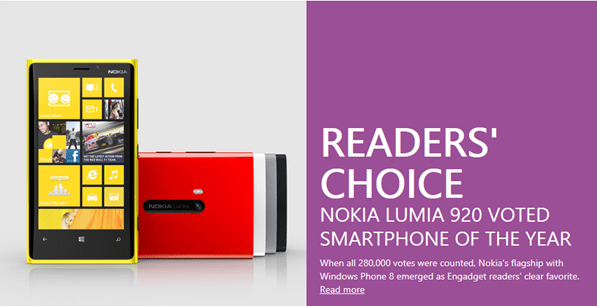
Nokia Lumia 920 Voted Smartphone of the Year

sshot-425

Read more

I love my Nokia Lumia 920.

MobileTechnology

My Nokia Lumia 900 Experience so far

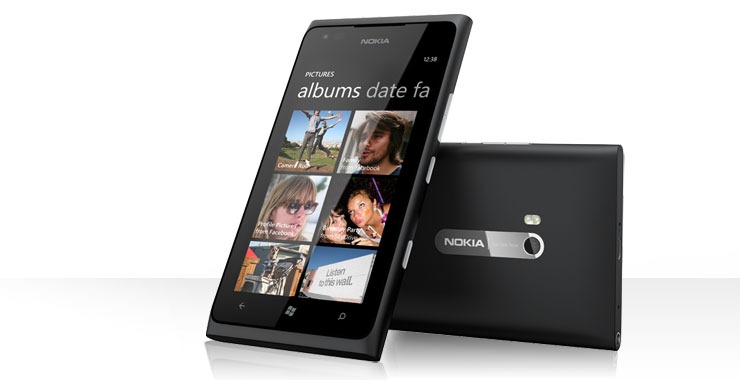
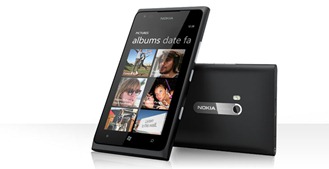
LUM900BLKR_banner_lumia_04Here is a quick review of the new Nokia Lumia 900 (Windows Phone) that I picked up.

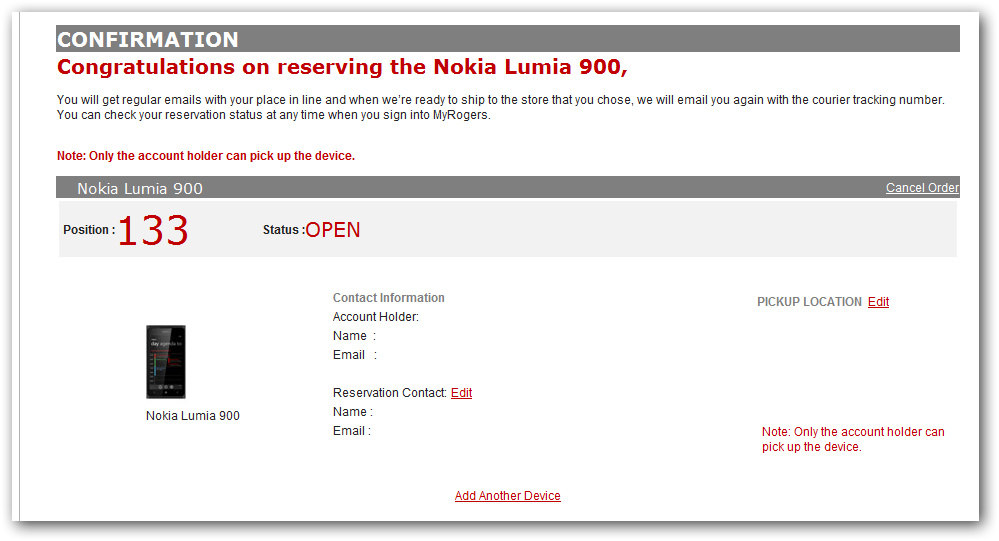
I went in to Rogers and walked out with the phone 15min later. It was quick and simple. Phone was $150 on hardware upgrade and you get $50 mail in rebate. Nokia is also give users who buy the phone a $100 credit if you buy it prior to April 21. This means I got the phone for $35 (admin fee).

Rogers only has the Black model available at this time. But I was able to pick up the light blue rubber sleeve. With the sleeve on, the device still looks sexy and the sleeve is barely noticeable.

The Lumia 900, like the Lumia 800 before it, comes in a unibody polycarbonate form factor that offers a terrific hand feel. Here is something that is amusing…

While Apple champions unibody designs for its laptops, it obliterates that superiority in its mobile devices. Where the iPhone is a mess of small, fragile parts—glass front and, unnecessarily, back pieces that beg to be encased in thick covers, and several thin, foil-like metal bumper bits—the 900 is a single, well-made, block of polycarbonate. It’s bulletproof, solid. Not frail. But because of its unibody design, and non-replaceable battery, the 900 isn’t going to come apart when dropped either.

Other nice features are Visual voice mail, Internet sharing (tethering) and support for LTE cellular networks. I’ve really noticed the speed improvement on 4G/LTE compared to 3G.

The cameras are sweet. You have the option for Widescreen picture taking (16:9) and there is also the front facing camera for video calls (Skype and Tango), and then there is the 8MP rear camera. Although not as good as the iPhone 4S camera, it comes close to it.

They also improved the capacitive front buttons—Back, Start, and Search. They are far less easy to trigger accidentally, a long-lived problem on Samsung’s Windows Phone handsets.

I’m also really impressed with the Nokia apps (only available on Nokia phones)…

  • Nokia Drive (Turn by turn GPS)
  • Nokia Maps
  • Nokia Transit

I have not tried the internet sharing yet…but that will be really nice to have when you’re in the middle of nowhere without Wi-Fi and want to get online from a laptop.

Getting setup on the device was quick and painless. All I did was login using my Windows Live ID (email address) and it was configured…all my email was synced, my contacts, my calendar, my tasks, my twitter, my Facebook, my linked in, etc.

I never had to plug in the phone to sync any files.

As for the apps…I downloaded an app that looks at my Windows Phone account online to see what apps I’ve installed in the past…and then on the device shows me which apps I’d like to re-install. Easy as pie.

That is all for now.

AviationTechnology

Infinite Flight (mobile flight sim)

logo

Last year when I got my first Windows Phone, the Samsung Focus…I was browsing the Marketplace and came across a Flight Simulator called Infinite Flight. I downloaded and tried the demo out at the time, and loved what I saw.

Almost a year later…I upgraded to a Nokia Lumia 900 and decided to pull the trigger and finally get this awesome simulator.

Here is a quick description of Infinite Flight and some of the features. If you’re an avid flight simulator, have a passion for aviation and own either an iPhone or Windows Phone…then I highly recommend you try it out.

Plus I read that they’re looking to support Windows 8 and Windows Phone 8!

http://flyingdevstudio.blogspot.co.uk/

Infinite Flight

Infinite Flight is the first Flight Simulator for iOS and Windows Phone 7 developed by a team of 2 highly dedicated developers.


Features

  • Great airplanes selection (varies with the platform): C-17 Globemaster III, Supermarine Spitfire, Airbus A380-800, Boeing 747-400, A-10, Boeing 737-800, Cessna 172SP, Cirrus SR22, Super Decathlon, F/A-18 Hornet, Airbus A321, Boeing 787-900 Dreamliner, A-10 warthog
  • 2 Regions: San Francisco Bay Area and Southern California
  • Flight Planning
  • Realistic Flight Model
  • Interactive Flight Lessons
  • Autopilot (Altitude and Heading, Throttle)
  • 4 time presets (Sunrise, Day, Sunset and Night)
  • Weather settings: Wind direction and intensity, visibility…
  • Yoke helper for easy handling of the airplane
  • Final Approach Path Display to help with landings
  • ILS (Instrument Landing System)
  • Realistic sounds
  • 5 Camera Modes
  • Runway lights
  • Automatic Logbook (entries added for each flight)
  • Leaderboards
  • Achievements

Screenshots

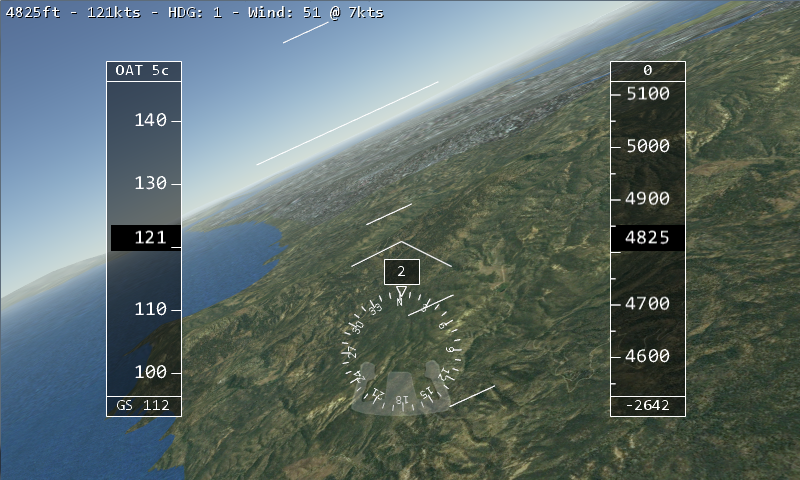
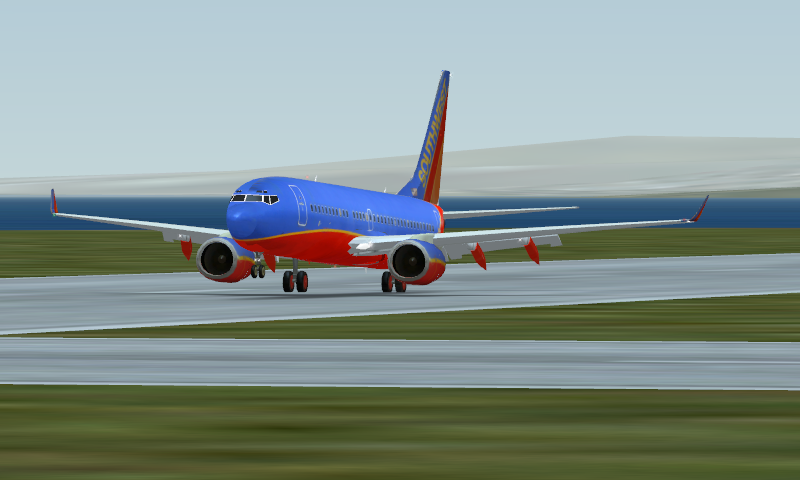
fullsize_5

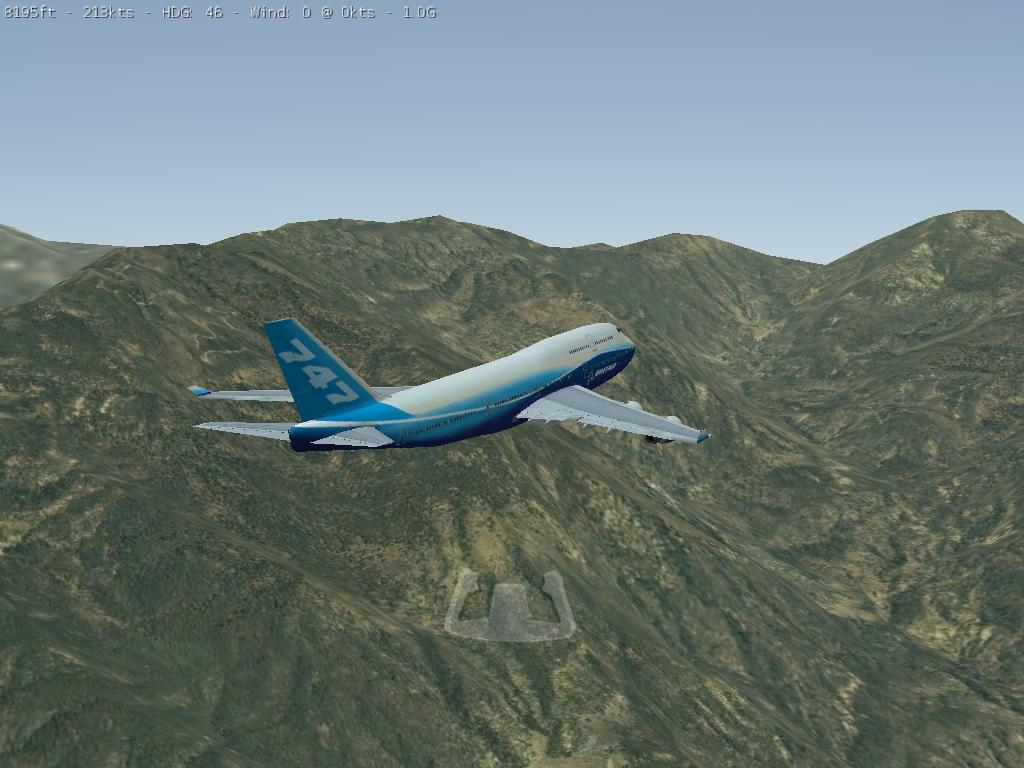
747

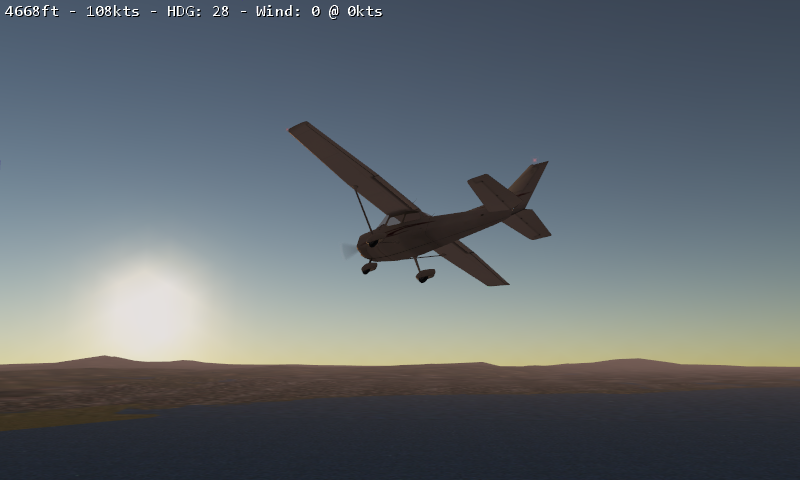
fullsize_6

fullsize_7