Tag: Azure

AzureCloudThis week on Azure Friday

Industry-aware analytics using Azure Synapse database templates | This week on Azure Friday

In this episode of Azure Friday, Lakshmi Murthy joins Scott Hanselman to show how to build an enterprise data model using Azure Synapse database templates to add rich business context to data and drive meaningful analytics.

Chapters

  • 00:00 – Introduction
  • 01:07 – Azure Synapse database templates
  • 04:54 – Demo: Creating a lake database
  • 10:35 – Demo: Customizing and querying
  • 17:04 – Wrap-up

Source: Azure Friday

Resources

AzureDeveloper

Azure Developer CLI (azd) announced: Quickly build apps for the cloud

This week Microsoft announced the public preview of the Azure Developer CLI (azd) — yes this is yet another CLI, a new open-source tool that accelerates the time it takes to get started on Azure. This post will do a quick intro of this new CLI and show how to get started and list out the resources to follow up on to learn more.

Introducing the Azure Developer CLI

You might be asking what is the Azure Developer CLI? Does this replace the Azure CLI? So let’s dive in and take a look. Think of the Azure Developer CLI as an abstraction over the Azure CLI and provides developer-friendly commands that map to key stages of your workflow: code, build, deploy, monitor, and repeat. To create, provision, and deploy a new application in one step, it’s as easy as:

azd up --template todo-nodejs-mongo

The Azure Developer CLI comes with extensible templates that include everything you need to get an application up and running in Azure. These templates include best practices, application code and reusable infrastructure as code assets written in Bicep.

The new Azure Developer CLI builds upon the experience and foundations of the Azure CLI. You can use both tools together, as needed, to support your Azure workflow.

To learn more about the Azure Developer CLI, be sure to check out the Developer Hub!

Why the need for another CLI?

As a developer, you need to make many decisions when it comes to building, deploying, and securing your application. Some of those questions you might ask are:

  • Which cloud services should I use with my code?
  • Which libraries do I need to use?
  • How should I set up my local development environment?
  • How do I provision the necessary infrastructure for my application?
  • How do I know that what I’m doing incorporates security best practices?

The Azure Developer CLI helps you answer these questions and many more. It provides you with a clear path for building your application in the cloud.

With the Azure Developer CLI, a typical developer workflow looks like this:

  1. azd init: Create an application and initialize an environment using a sample template in your preferred language.
  2. azd provision: Provision the necessary resources for your application on Azure.
  3. azd deploy: Deploy your application to Azure.
  4. azd monitor: Monitor your application’s behavior and performance and validate deployments.
  5. azd pipeline config: Create and manage CI/CD (continuous integration and continuous delivery).

Better yet, you can also use azd up to create, provision, and deploy a new application in one step! For a list of supported commands, see the Developer CLI reference docs. Alternatively, run azd –h from your preferred terminal after installation. If you no longer want or need the resources you’ve created, you can run azd down.

Whether you’re working in the terminal, your editor or IDE (like Visual Studio Code or Visual Studio), or your GitHub Actions pipeline, Azure Developer CLI commands remain consistent regardless of the context.

Getting Started

Pre-requisites

Before you get started using azd, ensure you have the following installed:

You will also need an Azure account with an active subscription. If you dont have one then you can create one for free.

Installation

With the pre-requisites installed, you can now install the standalone Azure Developer CLI via the following command in your preferred terminal.

Windows

powershell -ex AllSigned -c "Invoke-RestMethod 'https://aka.ms/install-azd.ps1' | Invoke-Expression"

macOS/Linux

curl -fsSL https://aka.ms/install-azd.sh | bash

Application templates for C#, Python, and JavaScript/TypeScript

The Azure Developer CLI uses idiomatic application templates that extend beyond “Hello World!” to include the scaffolding for monitoring and CI/CD for your application.

Each template includes application code, an /infra directory containing all the infra-as-code files needed to provision the Azure resources, and an azure.yaml file that describes your application. These templates are extensible and customizable to your specific use case.

For the first preview, they’ve authored an initial set of template applications written in Python, JavaScript/TypeScript, and C# and for hosts such as Azure App Service, Azure Container Apps, and Azure Static Web Apps + Function Apps. For more templates, check out the growing list of templates. If you’re interested in authoring your own template or creating a template from an existing application, see the Developer Hub.

In a follow up post I’ll dig deeper into one of the provided templates where we will build an application and deploy it to Azure.

Enjoy!

CommunityMVPPersonal Development

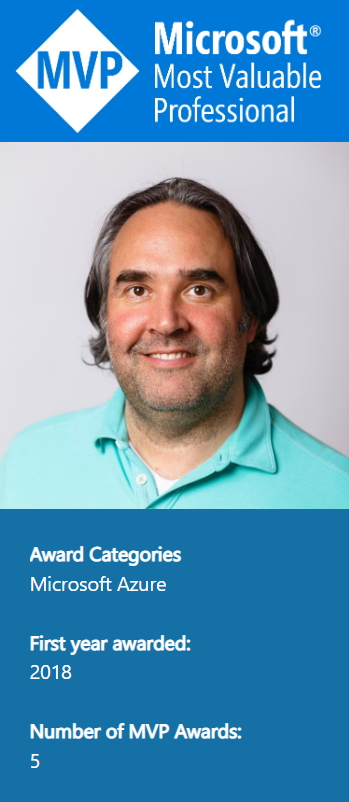
Callon Campbell awarded 2022-2023 Microsoft MVP in Azure

This month I received an exciting email from Microsoft that I was re-awarded for a fourth year now for the 2022 – 2023 Microsoft Most Valuable (MVP) award in Azure. Receiving the Microsoft MVP award is both a humbling and exciting experience. It means you’re a member of a select group of experts of just over 3,000 MVPs from around the world, but I like to think of it as doing something I’m passionate about with other like-minded individuals, having fun and always having something new to learn and share with the community.

The Microsoft MVP Award is an annual award that recognizes exceptional technology community leaders worldwide who actively share their high-quality, real-world expertise with users and Microsoft. All of us at Microsoft recognize and appreciate Callon’s extraordinary contributions and want to take this opportunity to share our appreciation with you.” – The Microsoft Most Valuable Professional (MVP) Award Team Microsoft Corporation

Since becoming a Microsoft MVP, I’ve learned a lot about the community and continued to share my passion, knowledge and experience within the community around Architecture and Development in Azure, Serverless, API Management, and DevOps technologies. I also keep a keen eye on what’s happening on the data technologies like Cosmos DB, Azure SQL, Synapse, and Purview.

Pictures of MVP Events

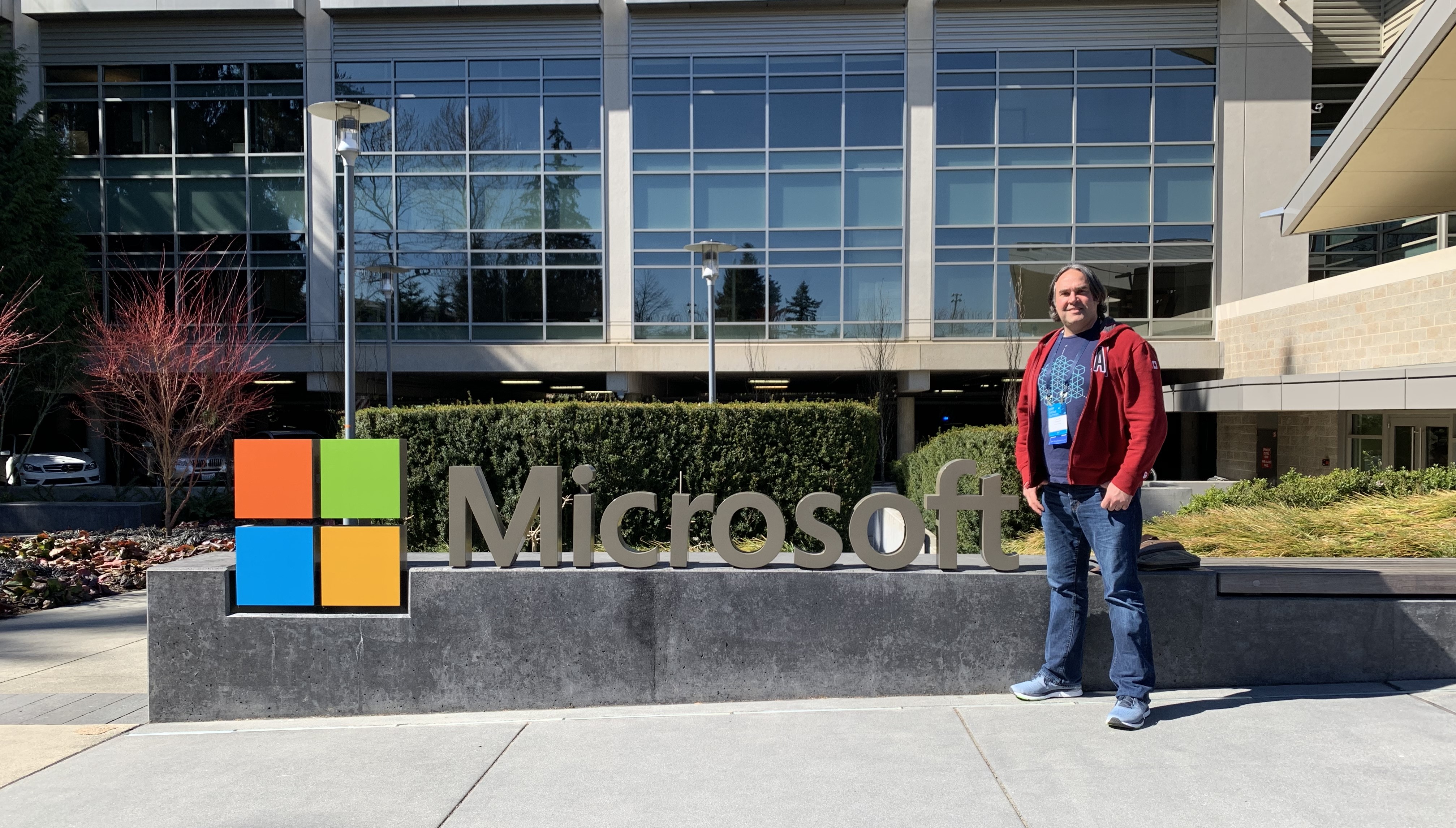
First MVP Summit, Microsoft Redmond Campus
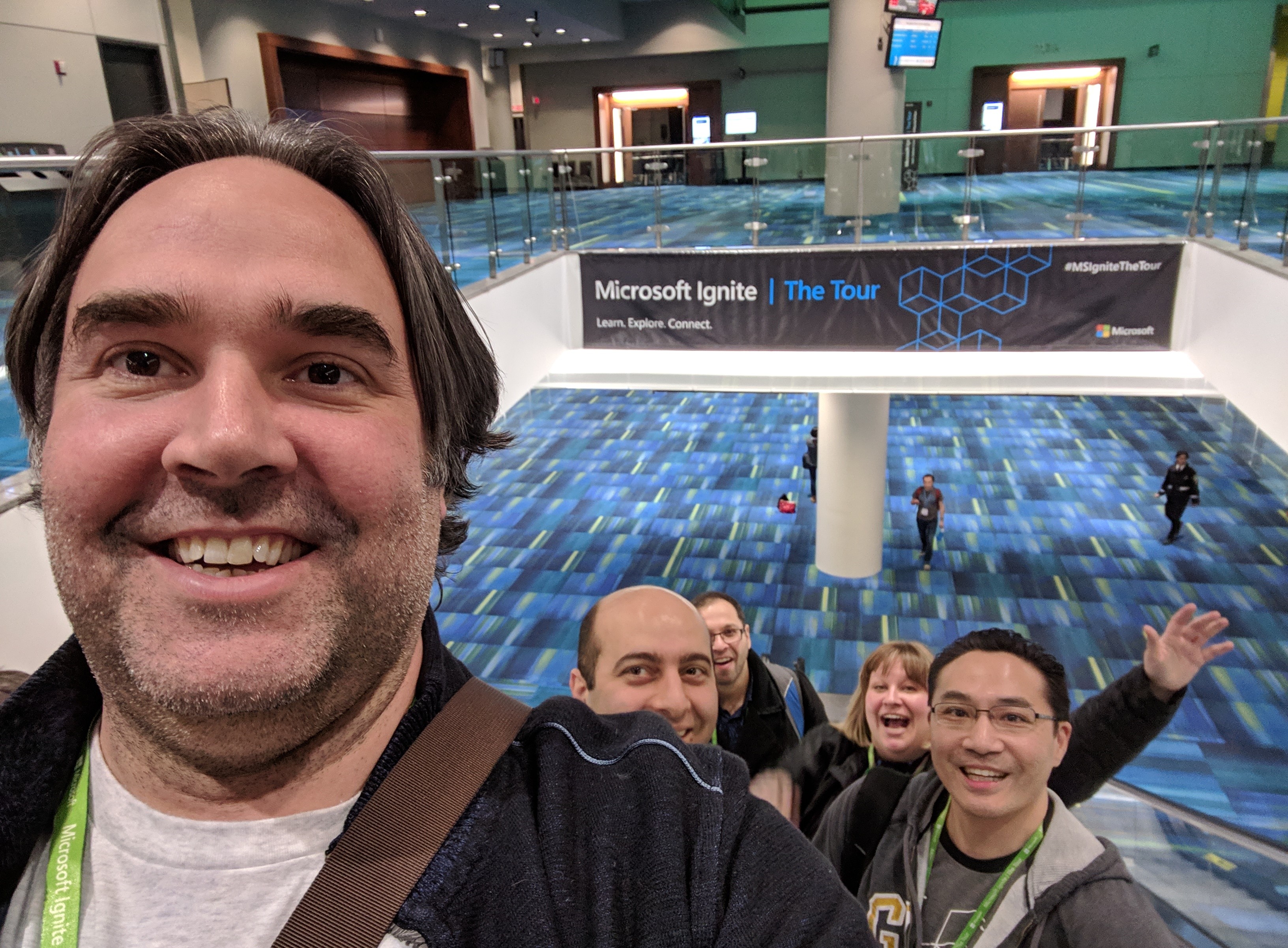
Microsoft Ignite | The Tour Toronto
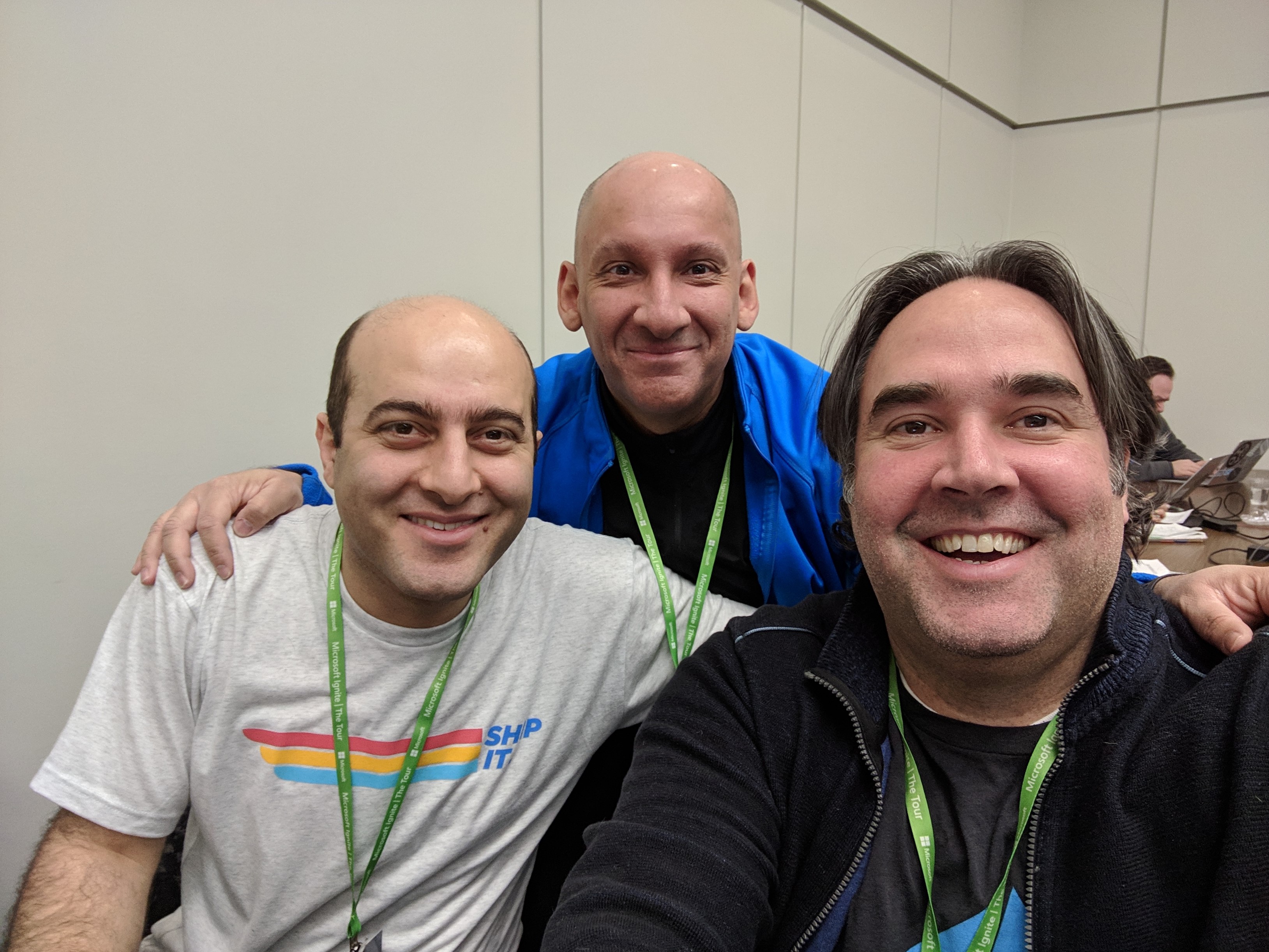
Microsoft Ignite | The Tour Toronto, speaker preparation

If you’re interested in learning about the Microsoft MVP program and seeing what it takes to become a Microsoft MVP, or how to get awarded, I encourage you to take a look at the Microsoft MVP website and also the following article on “How to become a Microsoft MVP” where they explain some of the details of the program.

To wrap up this post I would like to congratulate all the other newly awarded or renewed Microsoft MVPs all over the world! You truly are an amazing community and I’m truly humbled and honoured to be part of this group.

Enjoy!

References

Microsoft MVP Award

How to become a Microsoft MVP

Callon Campbell MVP Profile

ArchitectureAzureThis week on Azure FridayUncategorized

Architecting multitenant solutions on Azure | This week on Azure Friday

In this episode of Azure Friday, John Downs joins Scott Hanselman to discuss how to design, architect, and build multitenant Software-as-a-Service (SaaS) solutions on Azure. If you’re building a SaaS product or another multitenant service, there’s a lot to consider when you want to ensure high performance, tenant isolation, and managing deployments. They walk through some example SaaS architectures and see how Microsoft provides guidance to help you to build a multitenant solution on top of Azure.

Chapters

  • 00:00 – Introduction
  • 00:23 – Multitenancy in the cloud
  • 06:28 – Multitenancy guidance
  • 07:00 – Design considerations
  • 16:09 – Architectural approaches
  • 18:07 – Service-specific guidance
  • 20:28 – Wrap-up

Source: Azure Friday

Resources

ArchitectureAzure

Architecting multitenant solutions on Azure

John Downs, Paolo Salvatori, and Paul Burpo have created a great video on architecting multitenant solutions on Azure. Multitenant architectures bring along some unique challenges and opportunities that they go into and provide guidance on how to do this in Azure and what to do vs avoid.

This video is aimed at developers and architects who are building multitenant or SaaS applications, including startups and ISVs.

Enjoy!

Chapters

Resources

AzureSecurity

Securing Cloud-Native Applications

Organizations are rapidly embracing cloud-native design patterns to modernize their business operations and enable faster time to market. Cloud-…

Securing Cloud-Native Applications
Azure

Azure Global Infrastructure

Azure Global Infrastructure

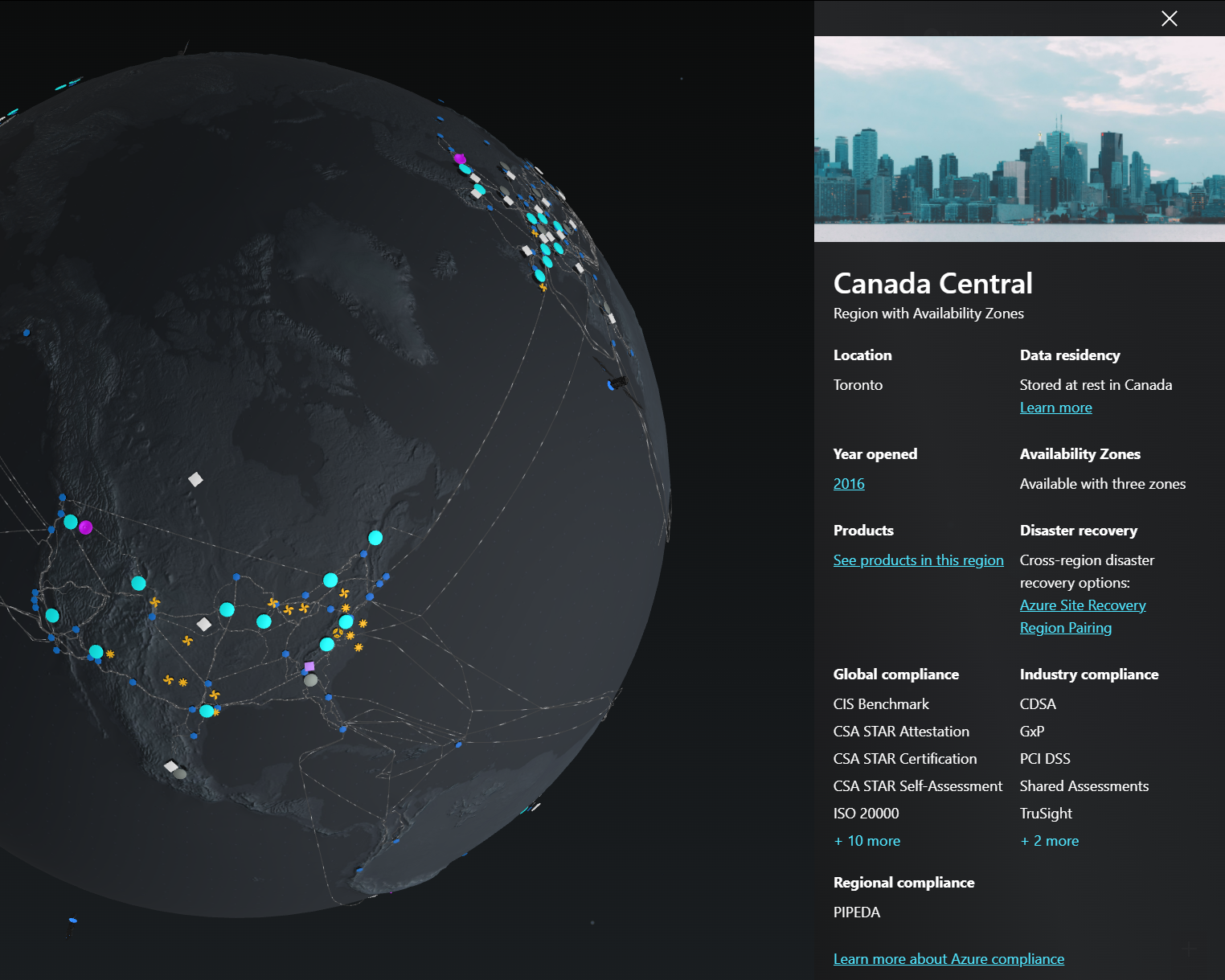
Looking for more details around Azure Datacenters across the globe? Check out this link which shows an awesome way to explore Azure Global Infrastructure. You can explore the globe and click on any of the data centers to learn more, like in Canada Central:

You will see some satellites in orbit but unfortunately, you can’t click on them.

Learn more by visiting Azure Global Infrastructure

We Live in the Cloud 3D Tour

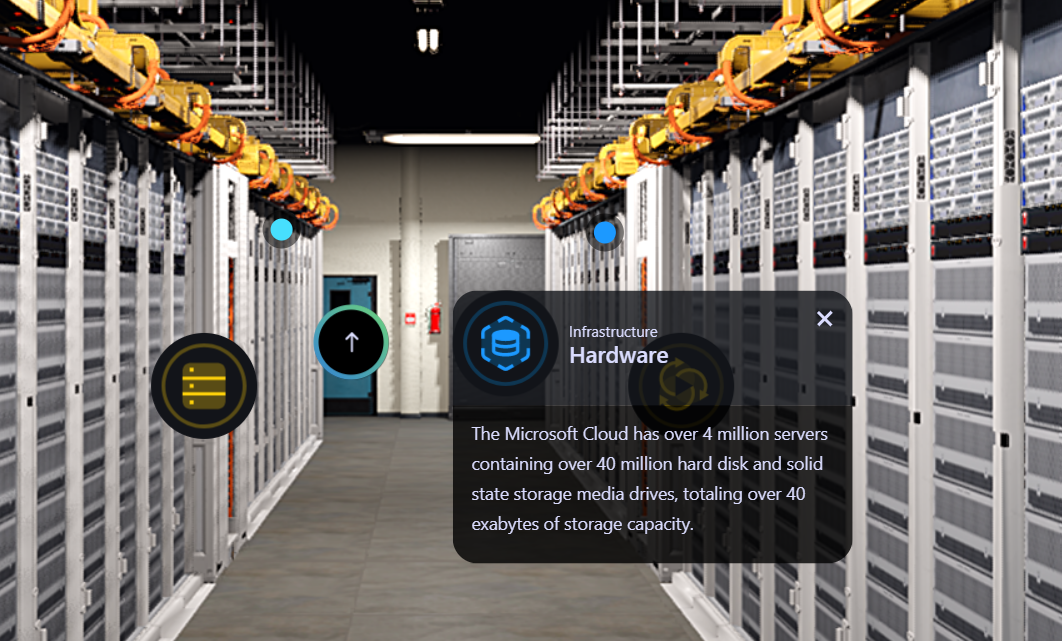
You can also take a 3D virtual tour over at We Live in the Cloud which is pretty neat for learning about what’s inside Azure data centers. Did you know that Microsoft has over 4 million servers that contain over 40 million hard disks and solid-state drives, totally over 40 exabytes of storage capacity.

Enjoy!

AzureAzure Bicep

Install Bicep and get up and running

This blog post covers the very basics of how to install Bicep and get up and running. Install VS Code – https://code.visualstudio.com/downloadOpen up…

Install Bicep and get up and running
AzureAzure Policy

Improving the user experience of Azure Policy

A solid governance is the foundation of a successful Azure implementation.  I often refer to it as “freedom within the frame”.  As an organization, …

Improving the user experience of Azure Policy
AzureAzure Container AppsAzure FunctionsKEDA

Moving Azure Functions from AKS to Azure Container Apps — dev.to/christle

Cover image for Moving Azure Functions from AKS to Container Apps

Take a look at this great post on moving Azure Functions from AKS over to Azure Container Apps.

Moving Azure Functions from AKS to Container Apps – DEV Community

Enjoy!