Windows 10 has some very handy sign-in options for unlocking your computer including using a fingerprint, a picture or a numeric PIN. I’ve used all three and by far my favorite is the PIN option.
Recently I reformatted my Surface Pro 3 and after installing Windows 10 Anniversary edition (build 1607), I noticed that as soon as I joined my work domain, the PIN option for sign-in was disabled. This was strange since hours earlier I was using this sign-in option with Windows 10 Anniversary edition prior to reformatting my device. I decided to try signing in to my device using a local profile and the PIN sign-on option was now available, but strangely on my Windows Domain account it was not.
After doing some research online I found that with Windows 10 Anniversary edition, this feature has reverted back to how it functioned in Windows 8, which requires it to be authorized before you can use it when on a Windows Domain.
Here is what you need to do to enable it.
Steps to Enable PIN Sign-In Option for Windows 10
- Open up regedit.exe
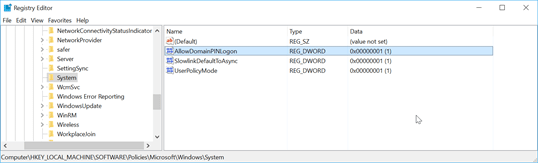
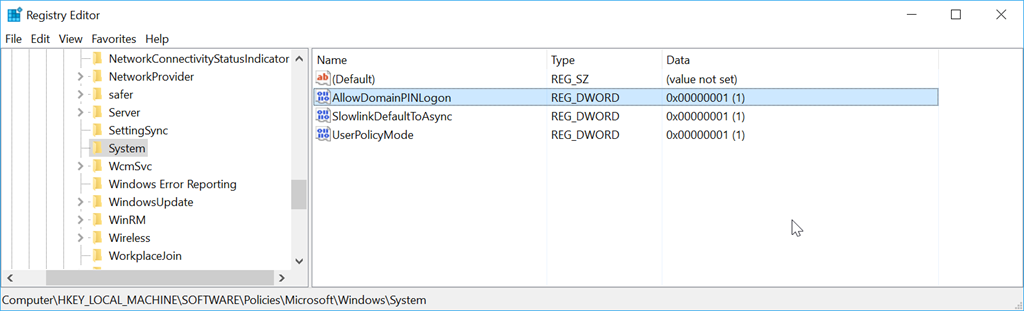
- Browse to [HKEY_LOCAL_MACHINE\SOFTWARE\Policies\Microsoft\Windows\System]
- Add a new DWORD key named “AllowDomainPINLogon” and set its value to “1”
- Restart your computer
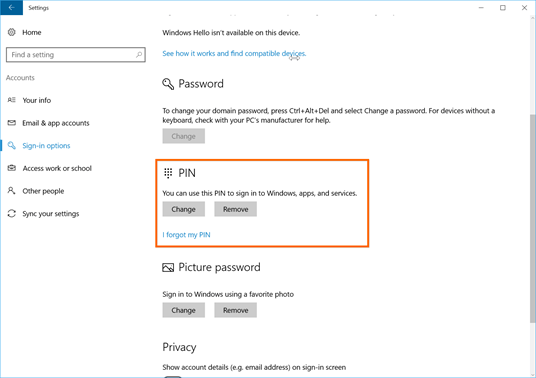
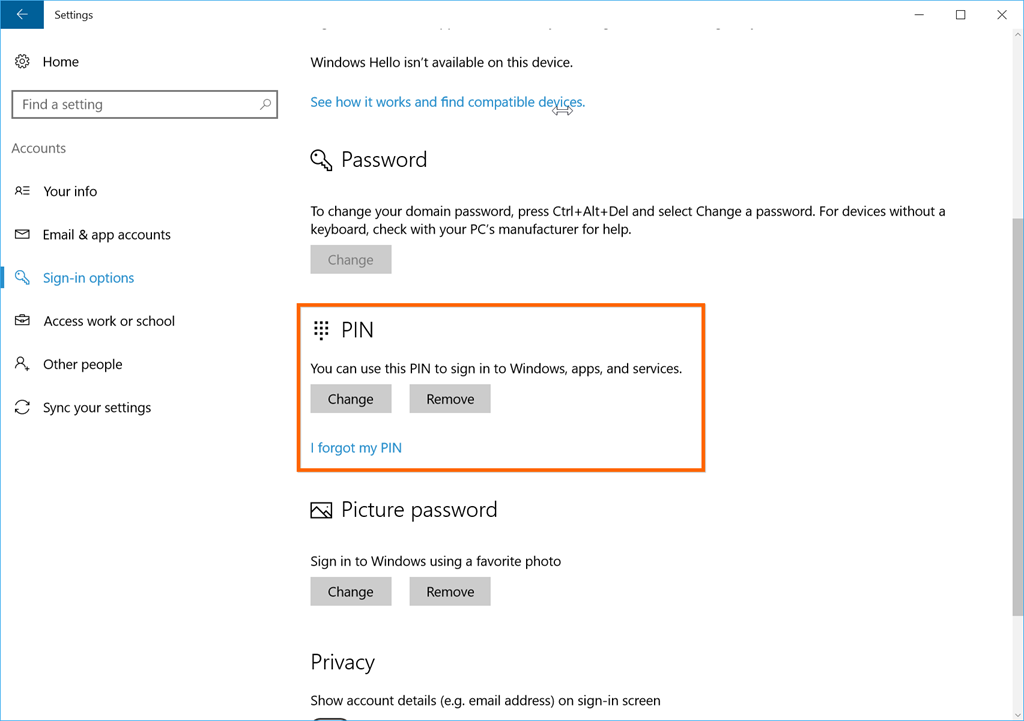
- After logging back in to your computer, go to SETTINGS, ACCOUNTS, SIGN-IN OPTIONS and you should see that the PIN option is now available to be set
Enjoy!
References
https://social.technet.microsoft.com/Forums/en-US/84a0bd50-1360-4a94-bfb3-b049ecace521/pin-and-fingerprint-signin-options-unavailable-greyed-out-in-windows-10-1607-enterprise?forum=win10itprogeneral&prof=required
https://social.technet.microsoft.com/Forums/en-US/b975932a-b50b-4759-b43a-c94854c6da83/cant-enable-windows-hello-with-fresh-install-of-anniversity-upgrade-on-domain-account?forum=win10itprosetup


 The Flying Maverick