The Durable Task Scheduler Consumption SKU has reached General Availability. If you’ve been waiting for a production-ready, pay-per-use orchestration backend for your durable workflows and AI agents on Azure — this is it. For anyone building on Azure Functions or Container Apps, this is worth paying attention to.
What is the Durable Task Scheduler?
The Durable Task Scheduler is a fully managed orchestration backend for durable execution on Azure. It handles task scheduling, state persistence, fault tolerance, and monitoring — so your workflows and agent sessions can reliably resume and run to completion through process failures, restarts, and scaling events, without you managing your own execution engine or storage backend.
It works across Azure compute environments:
- Azure Functions — via the Durable Functions extension, across all plan types including Flex Consumption
- Azure Container Apps — using Durable Functions or Durable Task SDKs with built-in workflow support and auto-scaling
- Any compute — AKS, App Service, or any environment running the Durable Task SDKs (.NET, Python, Java, JavaScript)
Why the Consumption SKU Matters
Until this GA, the pay-per-use Consumption SKU was in public preview (since November 2025), while the Dedicated SKU was already the GA option for reserved capacity and higher-scale workloads. The Consumption SKU flips the model for lower-scale and variable-usage scenarios: you’re charged only for actions dispatched — with no idle costs, no minimum commitments, and no throughput to pre-size. You still pay separately for the Azure compute hosting your workflows; what the Consumption SKU removes is preprovisioned scheduler capacity and its associated idle cost.
This makes it a natural fit for workloads with spiky or unpredictable usage:
- AI agent orchestration — multi-step agent workflows calling LLMs, retrieving data, and taking actions on demand
- Event-driven pipelines — processing queues, webhooks, or streams with reliable checkpointing
- API-triggered workflows — user signups, payment flows, and other request-driven processing
- Distributed transactions — retry and compensation logic across microservices using durable sagas
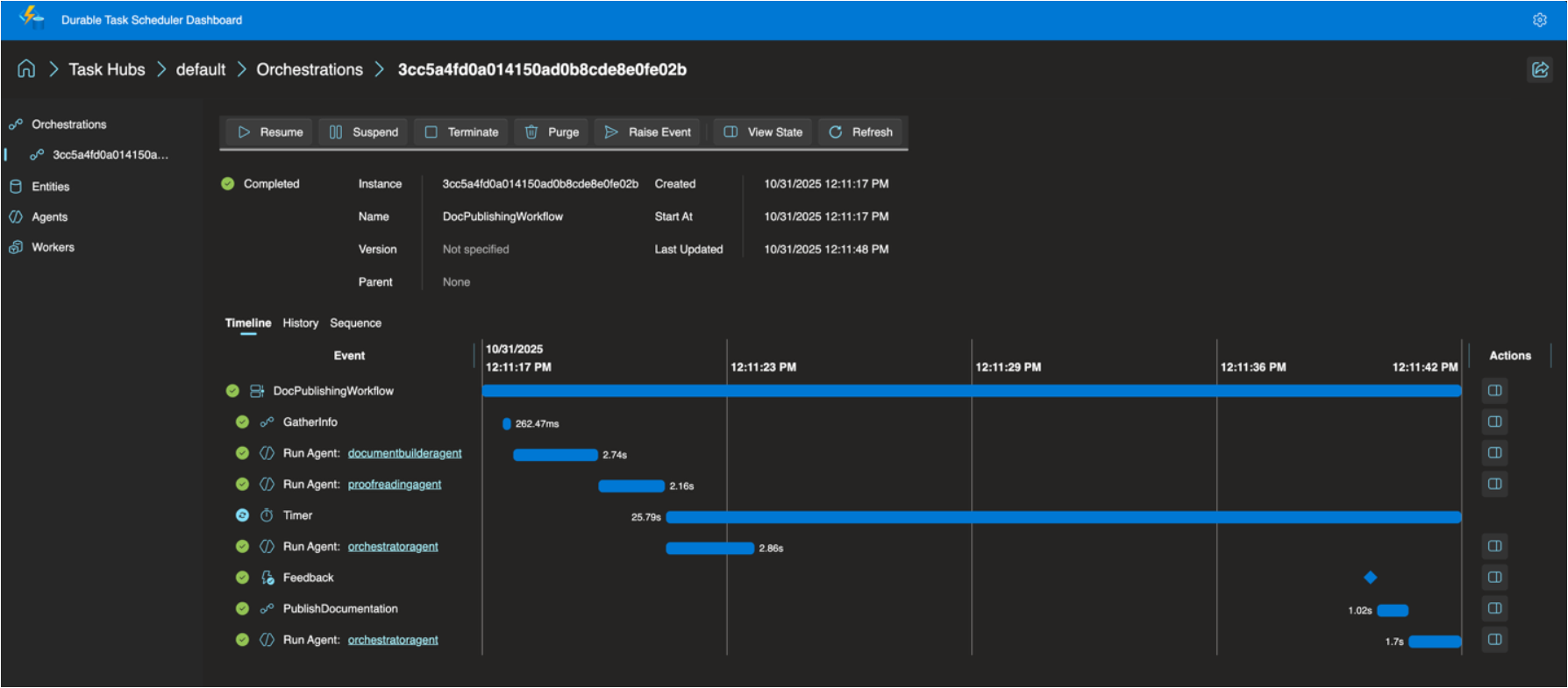
The Consumption SKU supports up to 500 actions per second and 30 days of data retention, with a built-in dashboard for filtering orchestrations, drilling into execution history, viewing visual Gantt and sequence charts, and managing instances (pause, resume, terminate, raise events) — all secured with Entra ID and RBAC. No SAS tokens or access keys. If you need more throughput or longer retention, Dedicated remains the better fit.
Read the Full Announcement
For the complete details — including billing specifics, GA hardening changes from the preview, and links to getting started — read the full announcement:
👉 The Durable Task Scheduler Consumption SKU is Now Generally Available — Azure App Service Blog
Enjoy!
References
- Durable Task Scheduler Consumption SKU — GA Announcement — Full announcement from the Azure Functions product team
- Durable Task Scheduler documentation — Official docs
- Getting started with Durable Task Scheduler — Quickstart guide
- Durable Task Scheduler samples — Sample projects
- Consumption SKU pricing — Billing details