Category: Technology

DevelopmentMobileTechnology

Windows Phone Dev Center App

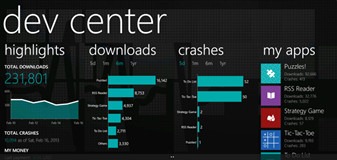
Came across a great Windows Phone app that lets you track your app and provides all kinds of great data about it.

image_3324f6fb

656aa01c-fc78-4ab8-af67-7caf668ab4aeDev Center

Good app developers know how to keep their customers happy. The Windows Phone Dev Center app (preview) gives you all that great data about how your app is doing in the real world to help you make it the best it can be. Access download and crash trends, and read user reviews quickly from your phone.

IMPORTANT: This app requires a Windows Phone Dev Center account and won’t work without one.

Key features:

• Secure connection to Windows Phone Dev Center.
• Downloads and crash trends for 5d, 1m, 6m, and 1y periods.
• User reviews translated to a language of your choice.
• Live Tile updates of new downloads and crashes.
• Ability to share links to your apps.
• Payment info.

Check it out:

http://www.windowsphone.com/en-us/store/app/dev-center/2d3063c2-4b29-4e69-9c03-50b67b0e6aec

MobileTechnology

Nokia Ships New HERE Location Apps for Windows Phone 8

here-apps-wp8-hero

Excellent post on new announcements for Nokia HERE location apps. Read more.

HERE Maps, HERE Drive Beta and HERE Transit are all available for all Windows Phone 8 smartphone users.

HERE Drive+ and HERE City Lens remain an exclusive for Nokia Lumia devices.

Enjoy!

MobileTechnology

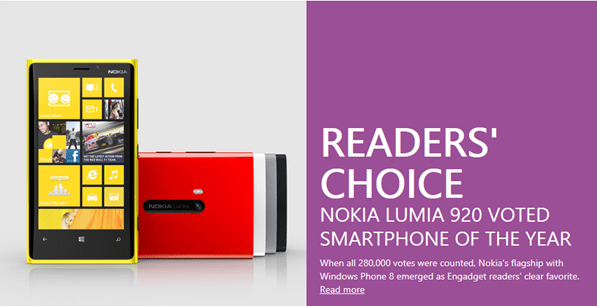
Nokia Lumia 920 Voted Smartphone of the Year

sshot-425

Read more

I love my Nokia Lumia 920.

CommunicationTechnology

Rumor: Microsoft retiring Windows Live Messenger, Skype taking the helm

I came across an interesting rumor about the possible retirement of Windows Live Messenger and having Skype take over. If that is true, then Windows Live Messenger might be no more in a few months time.

I use both Windows Live Messenger and Skype, so it would be nice to have them consolidated into 1 account, 1 service. I’ve also tried Skype on Windows 8 and it’s fantastic.

If you haven’t tried Skype, then you should.

References

Neowin: http://www.neowin.net/news/rumor-microsoft-retiring-windows-live-messenger-skype-taking-the-helm

Technology

Office 2013 Now Available on TechNet and MSDN

Microsoft has completed Office 2013 and made it available to TechNet and MSDN subscribers.

If you have a subscription, go get it!

GamesLifeMobileTechnology

The Surface Movement

Posted from WordPress for Windows Phone

GamesMobileTechnologyWeb

Goodbye Zune Music Pass, Hello Xbox Music

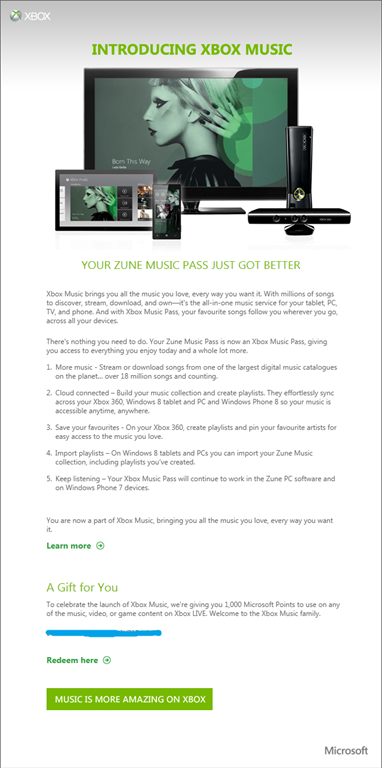
If your currently subscribe to the Zune Music Pass, this has now changed to Xbox Music. As depicted below, you should have got an email from Xbox with a gift of 1000 Microsoft Points to use on any of the music, video or game content on Xbox Live.

I look forward to using the new Xbox Music service and the new functionality it brings.

XboxMusic

MobileTechnology

Microsoft Surface now available for pre-order

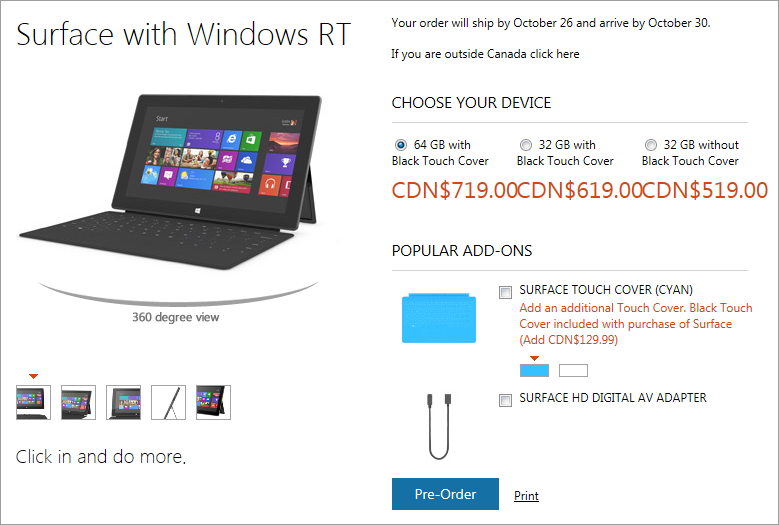
Yesterday Microsoft revealed pricing and availability for the Microsoft Surface RT tablet. http://www.microsoft.com/surface/en-us

Since the announcement, their cheapest Surface RT model without the touch case has sold out and there is now a minimum 3 week back order.

Canadian Pricing and Availability

sshot-356

It looks like your order will ship by October 26 and arrive by October 30. If you want to try to get it sooner, then try visiting a Microsoft "Popup Holiday” Store. I know I will to checkout the device first hand and probably buy one.

Further Reading: Everything you need to know

Checkout this amazing blog post on Neowin for more details on everything you need to know about Microsoft Surface RT.

Technology

Windows 8 and Windows Server 2012 RTM

Today was a big day for Microsoft. They officially released Windows 8/RT and Windows Server 2012 to manufacturing and as expected, the final build number is 9200.

dd566ae7-132c-4db0-9e76-277a67f37a66

Availability

The OS launches to the general public on October 26, which is also the same day you can get your hands on a Windows Surface tablet. I can’t wait to try one out.

As with this announcement, the Windows Store is also open for submission of paid applications.

If you’re a developer, then you will be able to get Windows 8 from your MSDN or TechNet subscription starting on August 15.

Pricing

You can either upgrade for $39.99 (US) or with a purchase of a new PC. If you happen to buy a new PC from now until January with Windows 7, you will have the opportunity to upgrade to Windows 8 Pro for $14.99 (US).

I’m looking forward to trying the final version of Windows 8.

CloudTechnology

The New Office 2013 Customer Preview and Installation

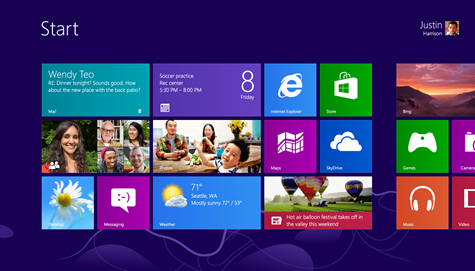
Office 2013 New LogoOn July 16 2012, Microsoft CEO Steve Ballmer announced the immediate availability of the Customer Preview for the NEW Office 2013! This latest version of Office provides a lot of new features including new support for Touch Input, Cloud services integration (SkyDrive), Social collaboration and the Metro UI.

Office 2013 Customer Preview can be installed in just a few easy steps and installs within minutes and can co-exist and run side-by-side with an existing version of Office, which means there is no need to uninstall your current Office installation to try out the latest version, which is pretty neat.

“Office at Its Best on Windows 8

Touch everywhere. Office responds to touch as naturally as it does to keyboard and mouse. Swipe your finger across the screen or pinch and zoom to read your documents and presentations. Author new content and access features with the touch of a finger.

Inking. Use a stylus to create content, take notes and access features. Handwrite email responses and convert them automatically to text. Use your stylus as a laser pointer when presenting. Color your content and erase your mistakes with ease.

New Windows 8 applications. OneNote and Lync represent the first new Windows 8 style applications for Office. These applications are designed to deliver touch-first experiences on a tablet. A new radial menu in OneNote makes it easy to access features with your finger.

Included in Windows RT. Office Home and Student 2013 RT, which contains new versions of Word, Excel, PowerPoint and OneNote applications, will be included on ARM-based Windows 8 devices, including Microsoft Surface.

Office Is in the Cloud

SkyDrive. Office saves documents to SkyDrive by default, so your content is always available across your tablet, PC and phone. Your documents are also available offline and sync when you reconnect.

Roaming. Once signed in to Office, your personalized settings, including your most recently used files, templates and even your custom dictionary, roam with you across virtually all of your devices. Office even remembers where you last left off and brings you right back to that spot in a single click.

Office on Demand. With a subscription, you can access Office even when you are away from your PC by streaming full-featured applications to an Internet-connected Windows-based PC.

New subscription services. The new Office is available as a cloud-based subscription service. As subscribers, consumers automatically get future upgrades in addition to exciting cloud services including Skype world minutes and extra SkyDrive storage. Subscribers receive multiple installs for everyone in the family and across their devices.

Office Is Social

Yammer. Yammer delivers a secure, private social network for businesses. You can sign up for free and begin using social networking instantly. Yammer offers integration with SharePoint and Microsoft Dynamics.

Stay connected. Follow people, teams, documents and sites in SharePoint. View and embed pictures, videos and Office content in your activity feeds to stay current and update your colleagues.

People Card. Have an integrated view of your contacts everywhere in Office. The People Card includes presence information complete with pictures, status updates, contact information and activity feeds from Facebook and LinkedIn accounts.

Skype. The new Office comes with Skype. When you subscribe, you get 60 minutes of Skype world minutes every month. Integrate Skype contacts into Lync and call or instant message anyone on Skype.

Office Unlocks New Scenarios

Digital note-taking. Keep your notes handy in the cloud and across multiple devices with OneNote. Use what feels most natural to you — take notes with touch, pen or keyboard, or use them together and switch easily back and forth.

Reading and markup. The Read Mode in Word provides a modern and easy-to-navigate reading experience that automatically adjusts for large and small screens. Zoom in and out of content, stream videos within documents, view revision marks and use touch to turn pages.

Meetings. PowerPoint features a new Presenter View that privately shows your current and upcoming slides, presentation time, and speaker notes in a single glance. While presenting, you can zoom, mark up and navigate your slides with touch and stylus. Lync includes multiparty HD video with presentations, shared OneNote notebooks and a virtual whiteboard for collaborative brainstorming.

Eighty-two-inch touch-enabled displays. Conduct more engaging meetings, presentations and lessons, whether in person or virtually, with these multitouch and stylus-enabled displays from Perceptive Pixel.”


Installing the new Office Customer Preview

  1. Before getting started, you should review the Office 2013 System Requirements

  2. To start the Office 2013 Customer Preview installation, visit http://office.com/preview

  3. If you are a home user, click on the "Sign Up" button. Business users can click on the "Office 365 Enterprise"

  4. Complete a new user profile and create a new Microsoft account. Note – If you are currently an Office 365 subscription user, you’ll need to sign up for a new Microsoft account that is different from your Office 365 login credentials to test the Customer Preview

  5. Once you’ve signed up for a new Microsoft account, login to http://portal.microsoftonline.com with your new ID

  6. From the Office 365 Admin home page, click the "Download Software" admin shortcut

  7. Click the "install" button. This will launch the new "Click-to-Run" installer. (What’s Click-to-Run? Here’s a technical overview of this new technology)

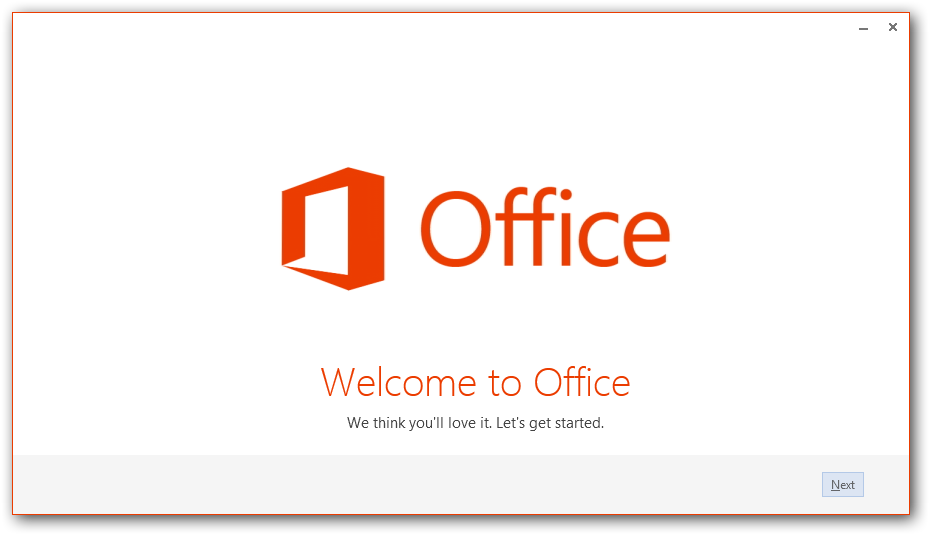
  8. The new Office installer will launch via Click-to-Run technology.

sshot-256

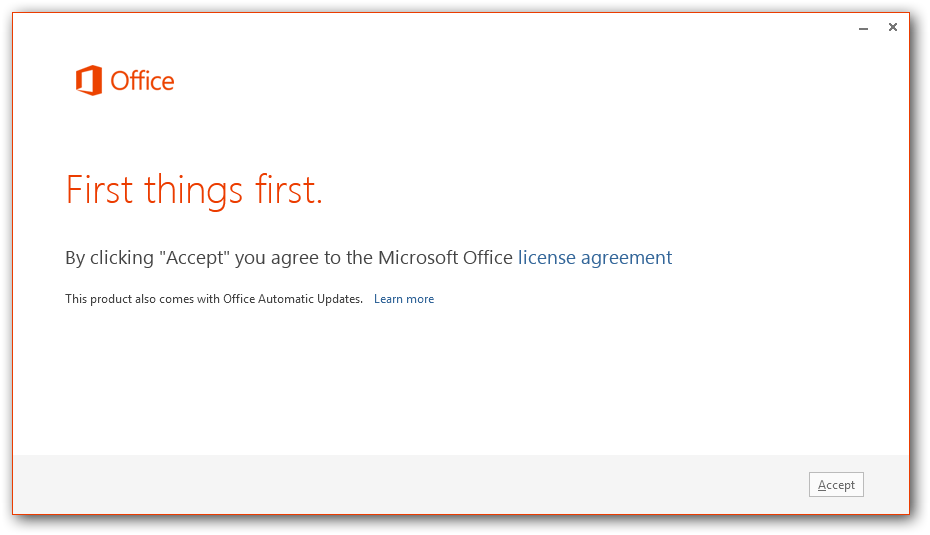
Review the Microsoft Office licensing agreement and then click the “Accept” button in the lower right corner.

Within a few minutes, the core of Office will start to install.

sshot-257

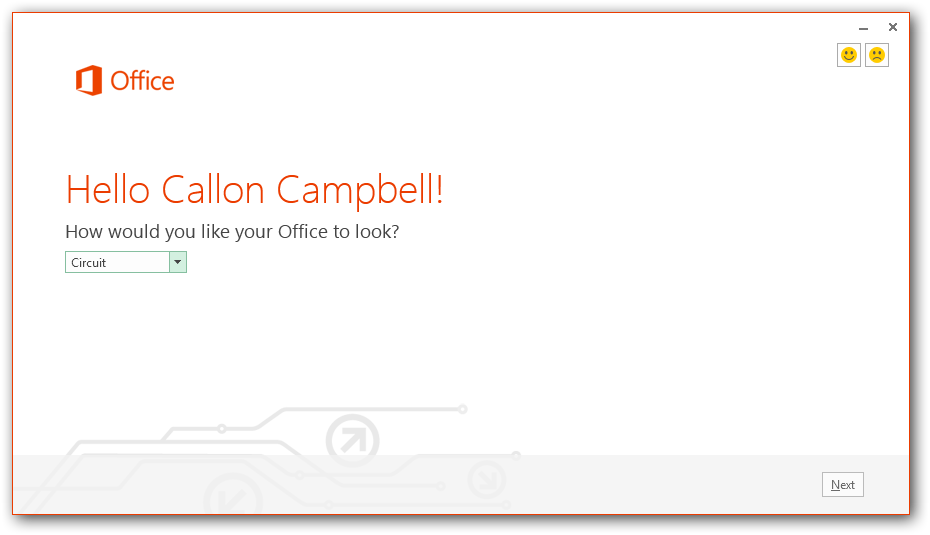
Then choose a look and feel to personalize your new Office client applications.

sshot-258

sshot-259

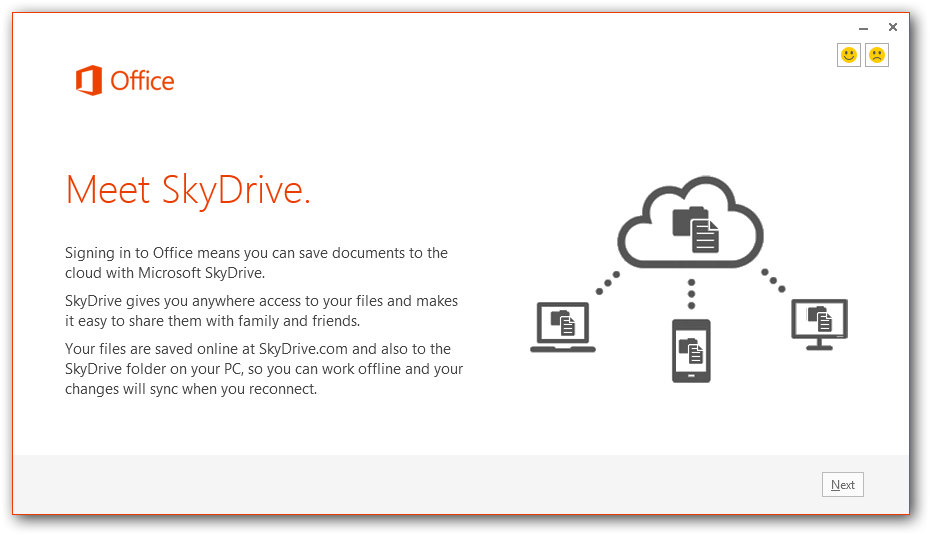
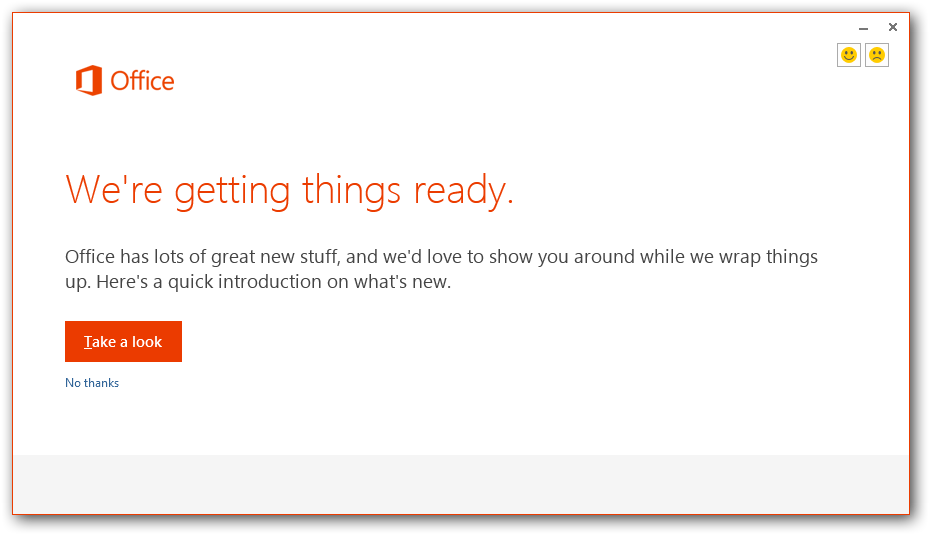
Click on the “Take a look” button if you would like to get a quick introduction to what’s new.

sshot-260

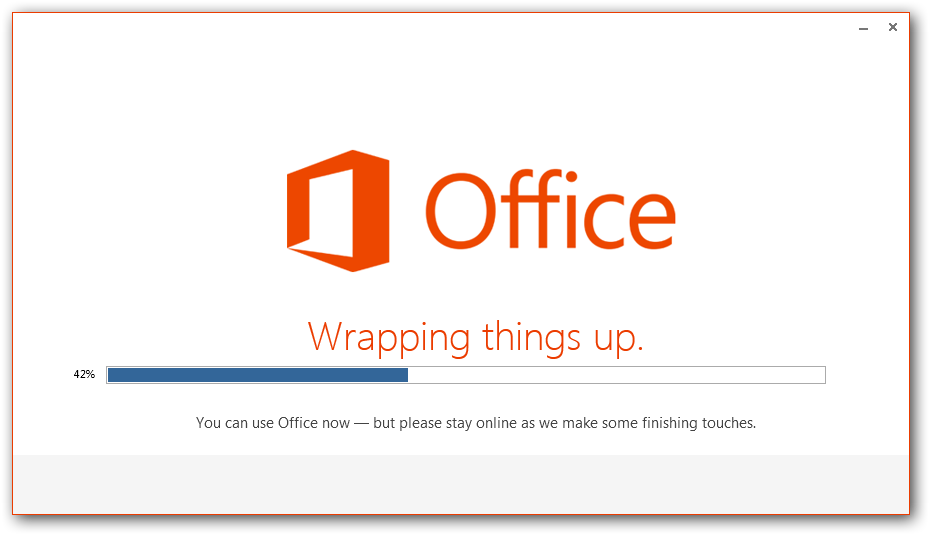
At this point, you can start to use Office. The rest of the installation will continue in the background and wrap up quickly.

sshot-261

sshot-262

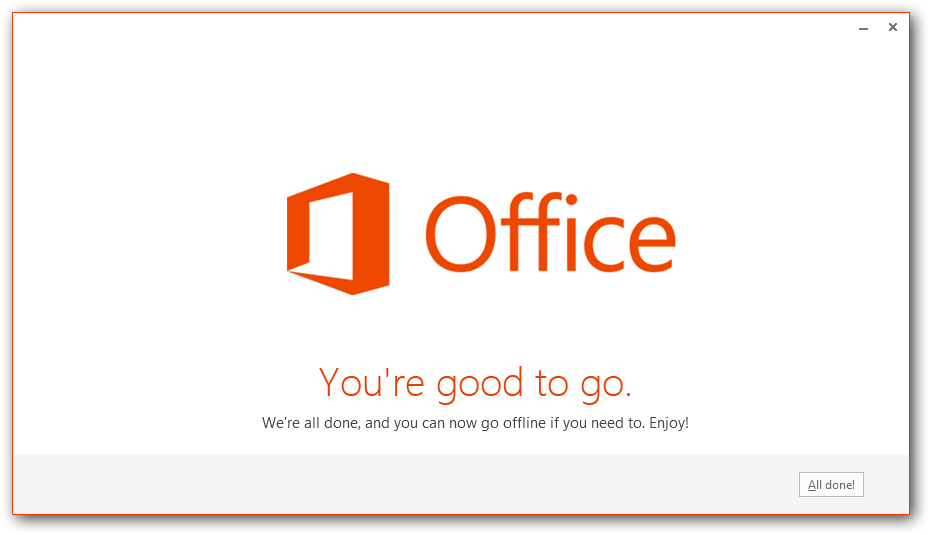
Installation Complete

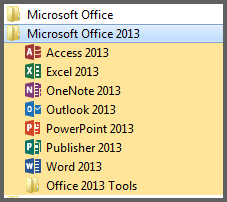
After the click-to-run installation completes, you’ll see a new group in the Start menu. Here is where you’ll get to see the new application icons. They are definitely Metro inspired.

sshot-263

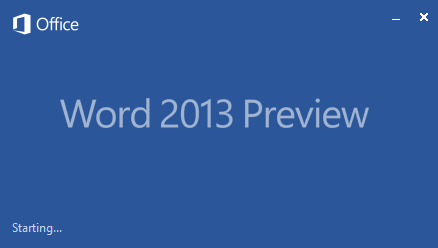
Here is the new Word splash screen which is briefly displayed as Word loads up.

sshot-264

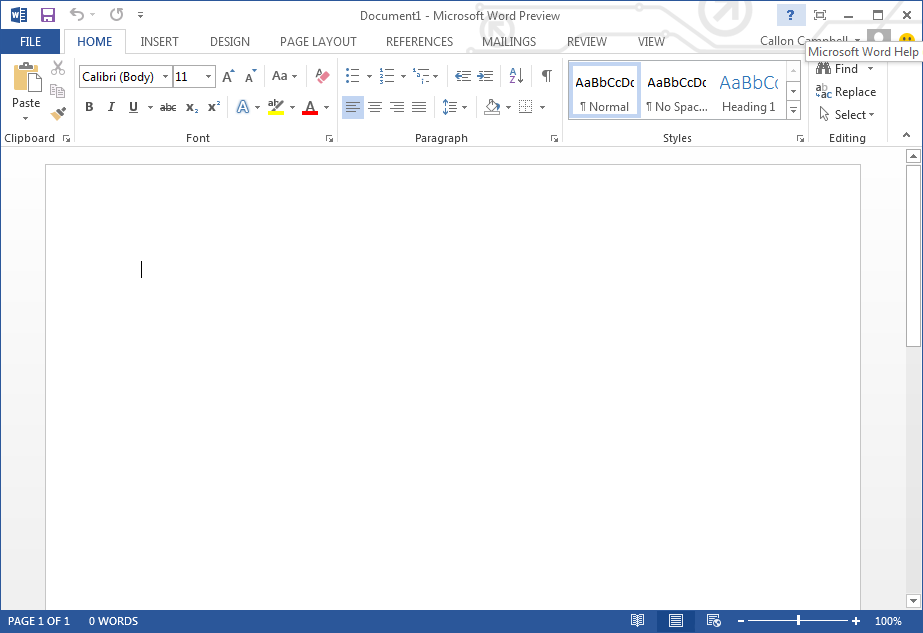
Word 2013

sshot-265

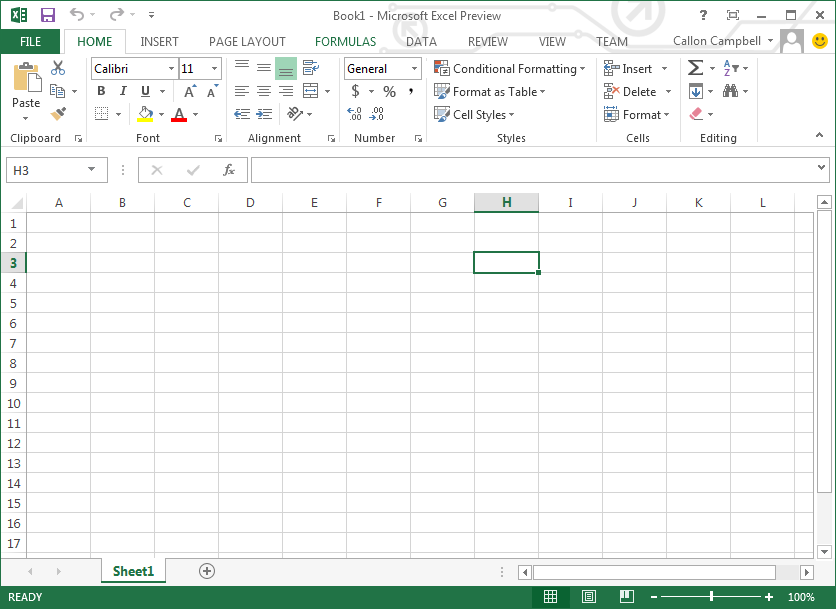
Excel 2013

sshot-266

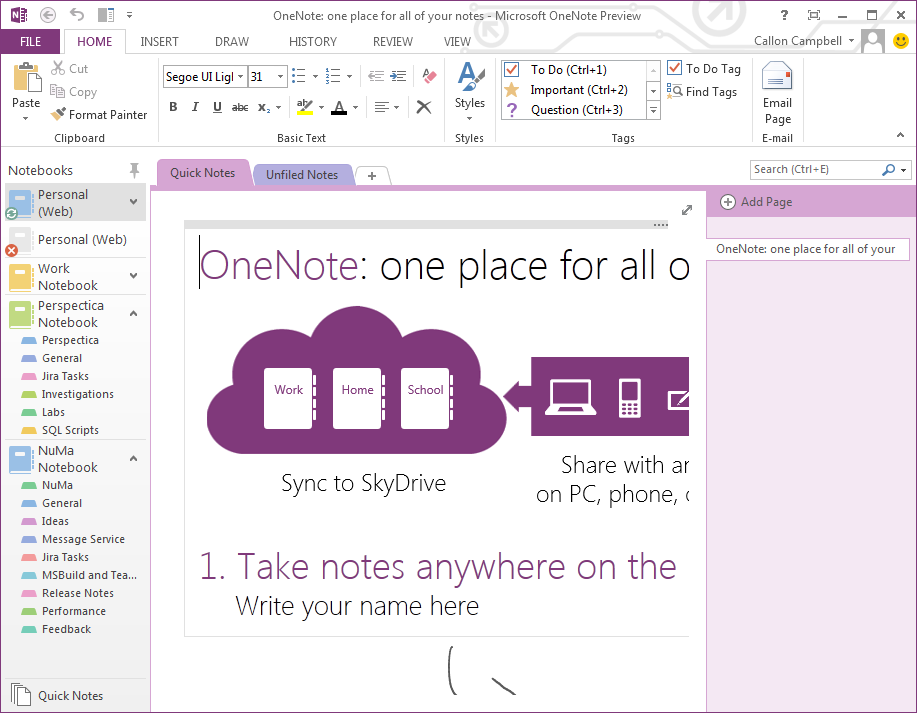
OneNote 2013

sshot-267

Final Thoughts

I really like the new Office 2013 experience. You should try it out for yourself.

1_officecta_page