

Organizations are rapidly embracing cloud-native design patterns to modernize their business operations and enable faster time to market. Cloud-…
Securing Cloud-Native Applications

Organizations are rapidly embracing cloud-native design patterns to modernize their business operations and enable faster time to market. Cloud-…
Securing Cloud-Native Applications

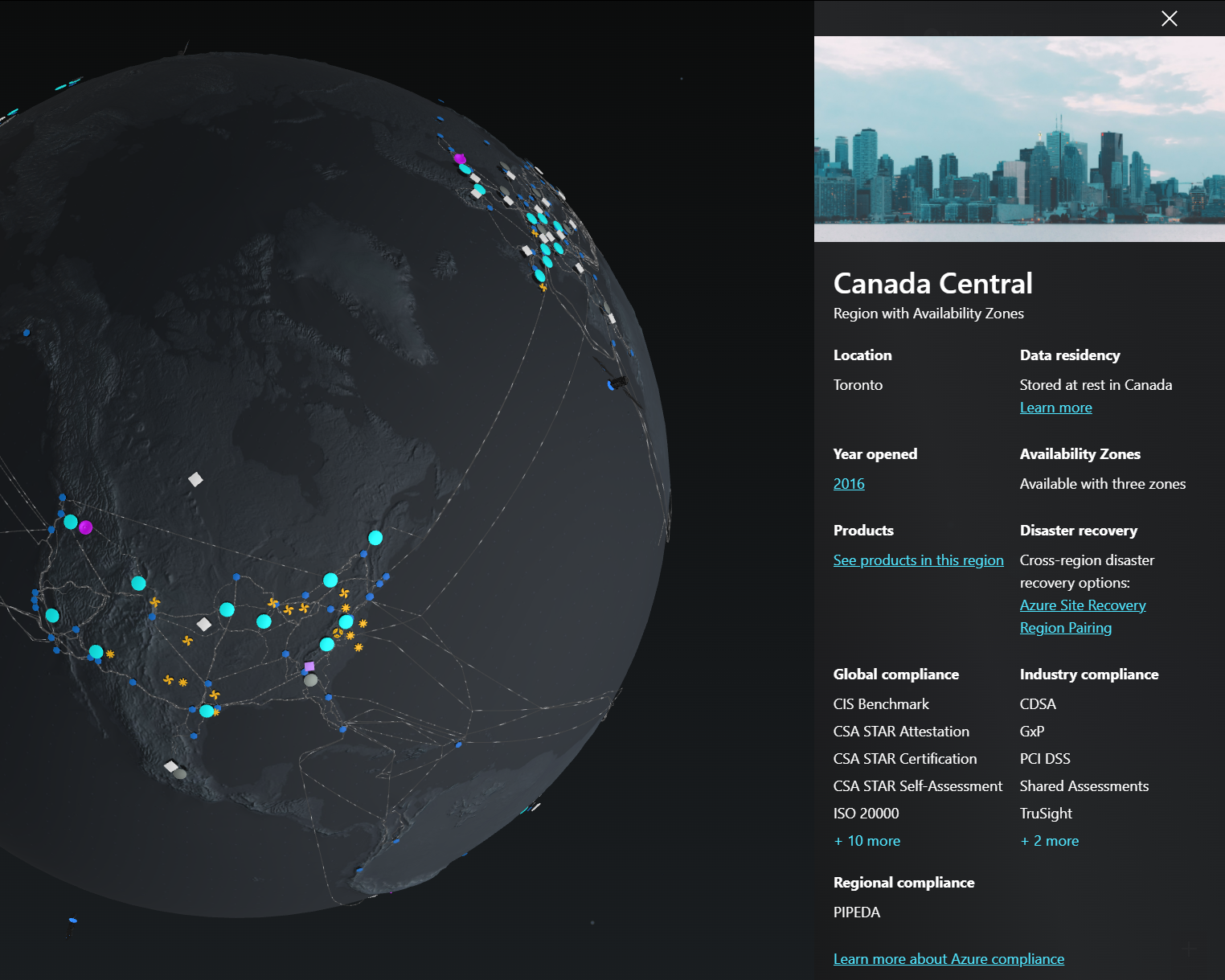
Looking for more details around Azure Datacenters across the globe? Check out this link which shows an awesome way to explore Azure Global Infrastructure. You can explore the globe and click on any of the data centers to learn more, like in Canada Central:
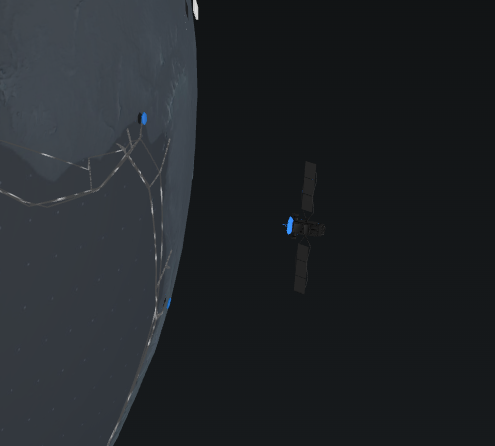
You will see some satellites in orbit but unfortunately, you can’t click on them.
Learn more by visiting Azure Global Infrastructure
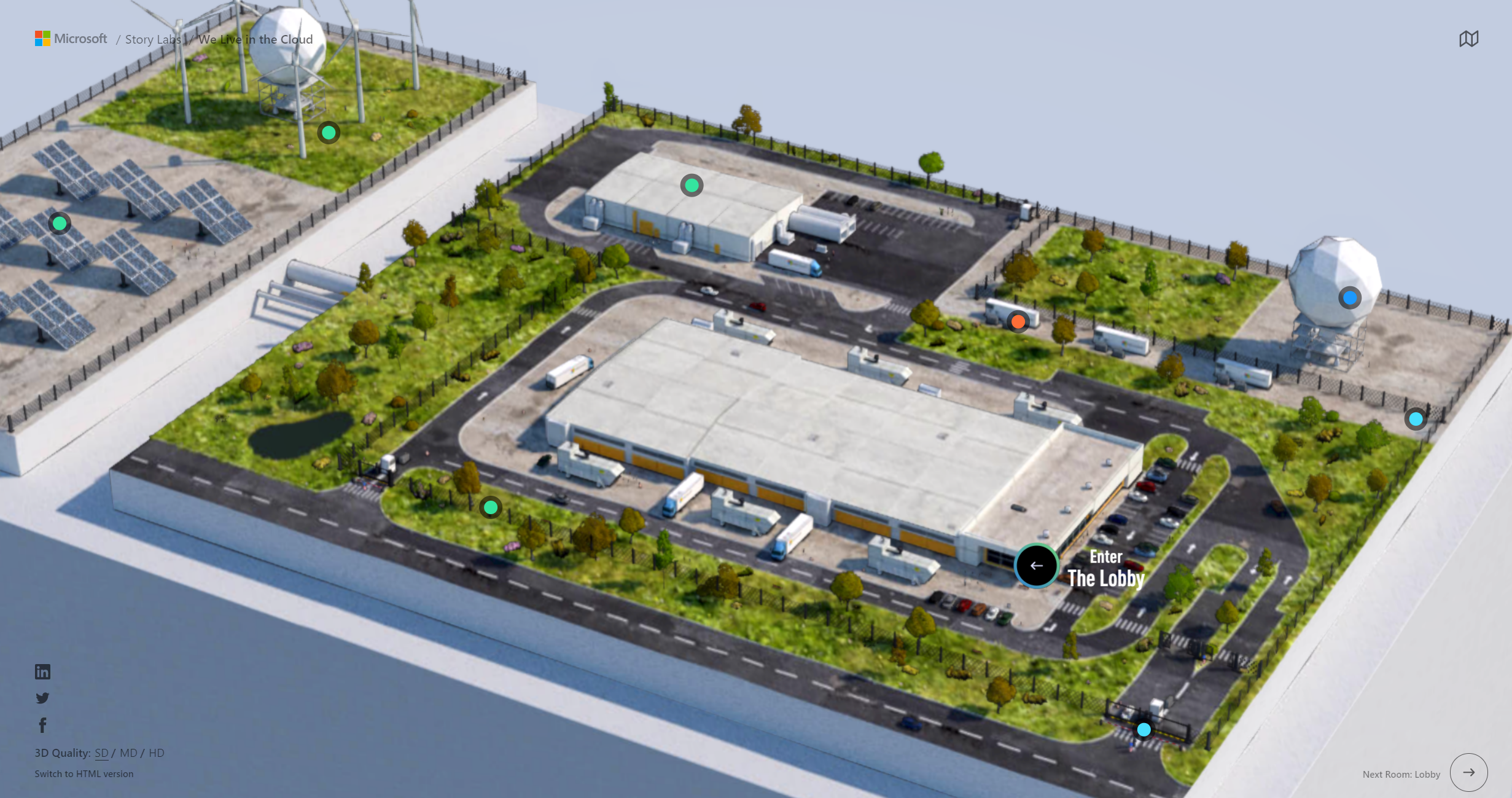
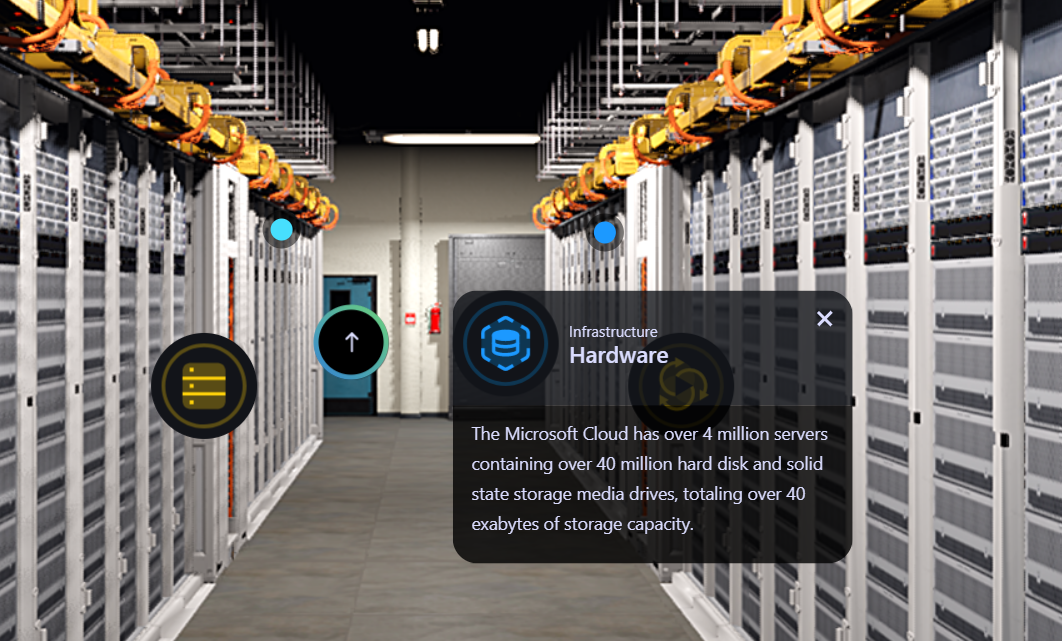
You can also take a 3D virtual tour over at We Live in the Cloud which is pretty neat for learning about what’s inside Azure data centers. Did you know that Microsoft has over 4 million servers that contain over 40 million hard disks and solid-state drives, totally over 40 exabytes of storage capacity.
Enjoy!

This blog post covers the very basics of how to install Bicep and get up and running. Install VS Code – https://code.visualstudio.com/downloadOpen up…
Install Bicep and get up and running

Originally posted on dotNetTips.com: In my article titled Everything You Want to Know About the Record Type in .NET 5… But Were Afraid to Ask that I …
Everything You Want to Know About the Record Type in .NET: Performance

A solid governance is the foundation of a successful Azure implementation. I often refer to it as “freedom within the frame”. As an organization, …
Improving the user experience of Azure Policy
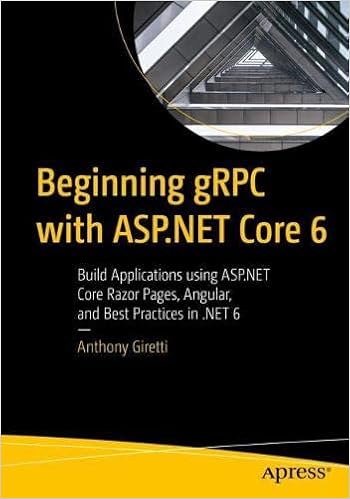
My good friend Anthony Giretti, a Microsoft MVP in Developer Technologies has recently published his book “Beginning gRPC with ASP.NET Core 6″ and I wanted to share the news with the community.
Beginning gRPC with ASP.NET Core 6 is your guide to quickly and efficiently getting down to the business of building gRPC applications in the Microsoft .NET ecosystem. Readers will dive in and build an application using gRPC and the latest technologies such Angular and ASP.NET Core Razor Pages.
This book will teach you how to set up an efficient application using industry best practices such as security, monitoring, logging, testing, and more. You will do this by performing Create, Read, Update, and Delete (CRUD) operations on a SQL Server database with Entity Framework Core. From there you will build web applications using Angular and ASP.NET Core Razor pages combined with gRPC APIs.After reading the book, you’ll be able to take advantage of the full range of developer opportunities with gRPC, and come away with any understanding of which usage scenarios are best suited for your projects. And you will possess a solid understanding of the best way to build APIs with ASP.NET Core.
Pre-order it now from Amazon.
Enjoy!

Take a look at this great post on moving Azure Functions from AKS over to Azure Container Apps.
Moving Azure Functions from AKS to Container Apps – DEV Community
Enjoy!

Now in its third year, Azure Spring Clean returns this March to help with all of your Azure Management needs. The event will run from Monday 14th of March through until Friday18th. Each day, there will be articles from the following blend of topics: Azure Monitor Azure Cost Management Azure Policy Azure Security Principles Azure […]
Azure Spring Clean 2022 — wedoAzure
After installing Visual Studio 2022 and working with Azure Functions I noticed that a new storage emulator is being used called Azurite.
Azurite is an open source Azure Storage API compatible server (emulator). Based on Node.js, Azurite provides cross platform experiences for customers wanting to try Azure Storage easily in a local environment. Azurite simulates most of the commands supported by Azure Storage with minimal dependencies.
https://github.com/Azure/Azurite
This seemed to replace the old Azure Storage Emulator you would run previously when doing local development. I quickly came across an issue where the Azurite emulator cannot be started because port 10000 is already in use. This is also applied to ports 10001 and 10002 which it uses. Here are the contents of the Service Dependencies from the Visual Studio 2022 Output pane:
Ensuring Azure Functions Core Tools are up to date. This may take a few minutes...
Azure Functions Core Tools are up to date.
DotNetCore31-FunctionApp: Azurite emulator cannot be started because port 10000 is already in use. Another instance of the Azurite emulator or Azure Storage emulator might be already running on your machine.
DotNetCore31-FunctionApp: We detected that Azure Storage emulator is running on your machine. The Azure Storage emulator is now deprecated. Microsoft recommends that you use the Azurite emulator for local development with Azure Storage. Follow the directions in the link 'https://go.microsoft.com/fwlink/?LinkID=2167087' to install and run Azurite emulator.
Unable to start dependency 'functions.storage1'.
Ensuring Azure Functions Core Tools are up to date. This may take a few minutes...
Azure Functions Core Tools are up to date.
Ensuring Azure Functions Core Tools are up to date. This may take a few minutes...
Azure Functions Core Tools are up to date.
DotNetCore31-FunctionApp: Azurite emulator cannot be started because port 10000 is already in use. Another instance of the Azurite emulator or Azure Storage emulator might be already running on your machine.
DotNetCore31-FunctionApp: We detected that Azure Storage emulator is running on your machine. The Azure Storage emulator is now deprecated. Microsoft recommends that you use the Azurite emulator for local development with Azure Storage. Follow the directions in the link 'https://go.microsoft.com/fwlink/?LinkID=2167087' to install and run Azurite emulator.
Unable to start dependency 'storage1'.
DotNetCore31-FunctionApp: Azurite emulator cannot be started because port 10000 is already in use. Another instance of the Azurite emulator or Azure Storage emulator might be already running on your machine.
DotNetCore31-FunctionApp: We detected that Azure Storage emulator is running on your machine. The Azure Storage emulator is now deprecated. Microsoft recommends that you use the Azurite emulator for local development with Azure Storage. Follow the directions in the link 'https://go.microsoft.com/fwlink/?LinkID=2167087' to install and run Azurite emulator.
Unable to start dependency 'storage1'.
Let’s drop into Windows Terminal and take a look at what process is using that port:
Get-Process -Id (Get-NetTCPConnection -LocalPort 10002).OwningProcess
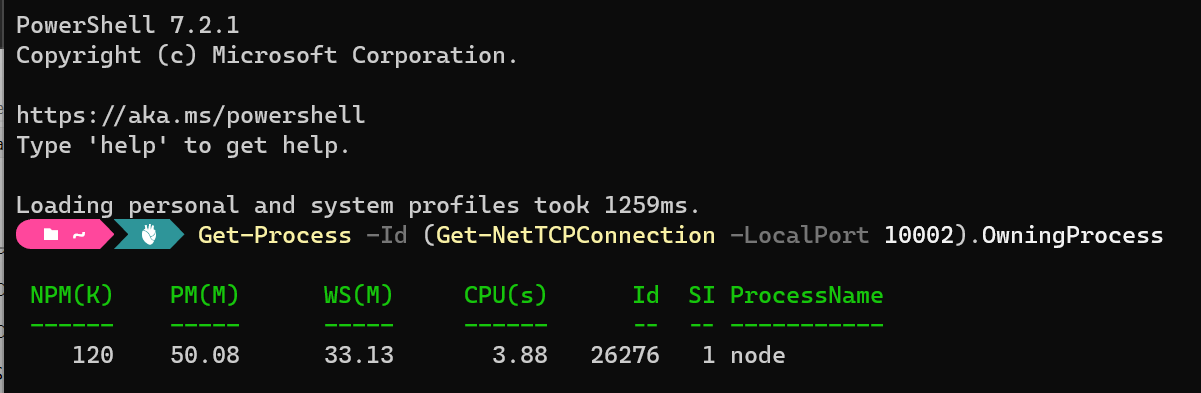
After stopping the Node process and re-running Azurite (I restarted Visual Studio) we can see everything starts up as expected:
Ensuring Azure Functions Core Tools are up to date. This may take a few minutes...
Azure Functions Core Tools are up to date.
DotNetCore31-FunctionApp: azurite.cmd --location "C:\Users\ccampbell\AppData\Local\Temp\Azurite" --debug "C:\Users\ccampbell\AppData\Local\Temp\Azurite\debug.log"
DotNetCore31-FunctionApp: Azurite Blob service is starting at http://127.0.0.1:10000
DotNetCore31-FunctionApp: Azurite Blob service is successfully listening at http://127.0.0.1:10000
DotNetCore31-FunctionApp: Azurite Queue service is starting at http://127.0.0.1:10001
DotNetCore31-FunctionApp: Azurite Queue service is successfully listening at http://127.0.0.1:10001
DotNetCore31-FunctionApp: Azurite Table service is starting at http://127.0.0.1:10002
DotNetCore31-FunctionApp: Azurite Table service is successfully listening at http://127.0.0.1:10002
This was not a great experience on the first day I started to use Visual Studio 2022 with Azure Functions as I had to go off and figure out why the Azure emulator could not be started instead of just working on my application. You can go and change the default ports ft you like which is mentioned in the documentation. For more information on Azurite check out the docs on their GitHub repository.
I hope this helps with anyone new to the Azurite emulator in Visual Studio 2022.
Enjoy!
https://docs.microsoft.com/en-us/azure/storage/common/storage-use-azurite?tabs=visual-studio

I have implemented many Blazor WASM ASP.NET Core hosted applications now for both Azure AD and Azure B2C authentication. I always implement security …
Blazor WASM hosted in ASP.NET Core templates with Azure B2C and Azure AD authentication using Backend for Frontend (BFF)
A French word, a photo, and a slice of life in Provence
Microsoft MVP on Azure IoT & Real-Time Intelligence | International Speaker | Principle architect at Alten-SDG Group
It's all about Microsoft Business Applications
AI & Cloud Consulting for Modern Enterprises
Author: John Lunn @jonnychipz
If you're not having fun, you're doing it wrong.
Code. Fun. Serverless
Intelligent Apps for Pilots
My personal blog about everything technical
coding facts and opinions
Sponsored by Cloud Formations Ltd
Exploring the world of Azure, IoT and other interesting topics
where learning never ends...
Practical Coding Tutorial
A blog about Microsoft Azure
Christian Nagel and the CN innovation team about .NET Aspire, C#, Azure, ASP.NET Core, WinUI, .NET MAUI, and more
Cloud Computing & DevOps Tips & Tricks with Hammad Aslam.
 The Flying Maverick