DatabaseDeveloper

SQL Server Management Studio (SSMS) 18.0 now Generally Available

SQL Server Management Studio v18.0 is now generally available and is the latest version that provides support for almost all feature areas on SQL Server 2008 through to 2019 preview.

If you have a preview of SSMS 18.0 installed, you will need to uninstall before you can install SSMS 18.0 GA. SSMS 18.0 will also not replace an older version of SSMS but will run side by side with it.

image

Release Highlights

Here is a brief list of is new in SSMS 18.0.

  • Support for SQL Server 2019. SSMS 18.0 is the first release to be fully aware of SQL Server 2019 (compatLevel 150).
  • SSMS 18.0 is based off the Visual Studio 2017 Isolated Shell.
  • Smaller download size.
  • Accessibility improvements.
  • Ability to install to a custom folder.
  • Requires .NET Framework 4.7.2 or greater.
  • Support for High DPI (by default).
  • Added integration for Azure Data Studio.
  • Still no official support for Dark Mode. Please see my article on how to enable Dark Mode for SSMS.
  • Database Diagrams has been removed. Seriously it’s gone! You will need to install a previous version of SSMS (like 17.8.1) to get this functionality.

Summary

Dark mode is still not available and remains a feature you have to manually enable. It’s also weird that they dropped support for the Database Diagramming tool without any warning or guidance to replace it. This was a gem of a tool inside of SSMS and was simple to use for visualizing database relationships, and documentation. You will need to rely on an older version of SSMS or use another tool. Other than that it looks like a great update to SSMS.

For more details on what’s new, bug fixes and deprecations, please take a look at the detailed release notes.

To get started download SSMS 18.0 (GA) now.

Enjoy!

References

Azure

#AzureApril–Day 1

Inspired by @burkeholland, @editingemily, @sigje and others where instead of putting effort into an Aprils Fools joke, I will instead take the #AzureApril challenge of posting an Azure tip each day in April. Some tips might come from @mbcrump comprehensive list of tips and tricks, while others might come from me and/or the community. Now on to todays tip.

Tip #1

Azure has over a 100 services that offer you everything you need to develop, build and run you applications with all the performance, redundancy, security, and scale that the cloud has to offer. With all these services sometimes it can be daunting on where to begin.

Todays tip is to take bite-sized lessons to reinforce your #Azure skills, all in a single month of lunches. This is a practical guide to learning Azure cloud computing skills quickly or refresh what you already know.

By reading this e-book, you get to build your cloud computing skills quickly and efficiently. You’ll be productive immediately, and when you finish, you’ll be well on your way to Azure mastery.

For more details and to download the e-book, go to https://azure.microsoft.com/en-us/resources/learn-azure-in-a-month-of-lunches/

Since we’re starting a new month today this is a great tip to tackle and complete by end of the month, all while eating your lunch.

Enjoy!

References

Learn Azure in a Month of Lunches

Azure

New Azure Datacenters Open in Africa

image

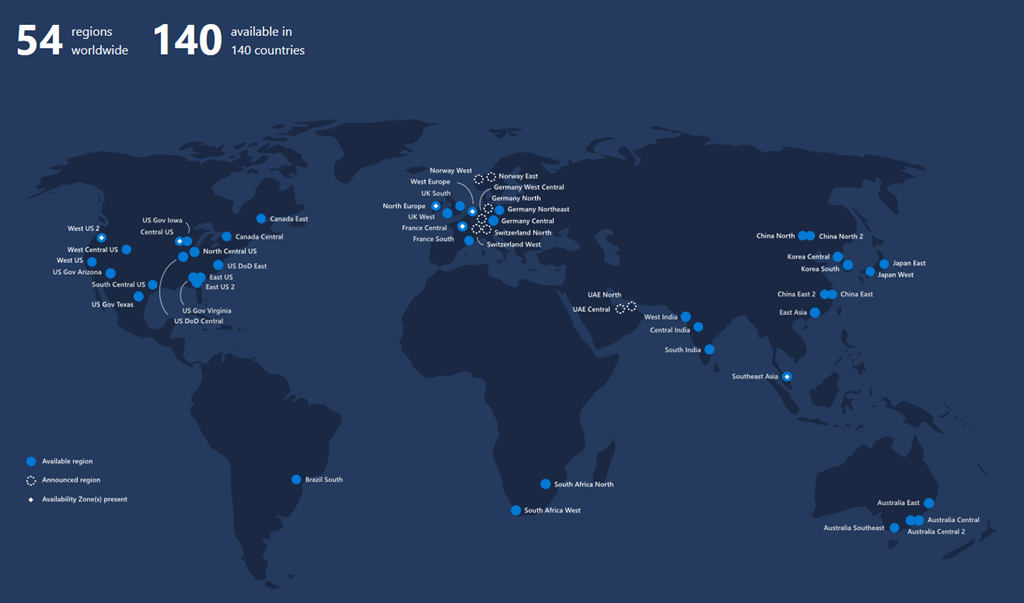
Today Microsoft announced the general availability of new Azure regions in Cape Town and Johannesburg, South Africa. This marks a major milestone as Microsoft is the first global cloud provider to deliver cloud services from datacenters on the African continent.

Microsoft Azure now has a total of 54 regions worldwide that span 140 countries. That’s more than all other cloud providers combined – offering the scale needed to bring applications closer to your users around the world, preserving data residency, and offering comprehensive compliance and resiliency options.

Enjoy!

References

Microsoft opens first datacenters in Africa with general availability of Microsoft Azure

Azure Regions

Azure Locations

Windows

Windows 10 Mail and Calendar app finally gets complete dark mode

image

Today Microsoft is rolling out an update to its Mail and Calendar app and has finally added a complete dark mode to which the reading pane is now dark (previously the reading pane or email body was white). Microsoft has also added a toggle button to switch between light and dark which sits between the Forward and Archive buttons.

The new update is available for everyone that is using Windows 10 1809 build. You can download the Mail and Calendar app from the Microsoft Store.

Enjoy!

AIAzureDevelopmentEvents

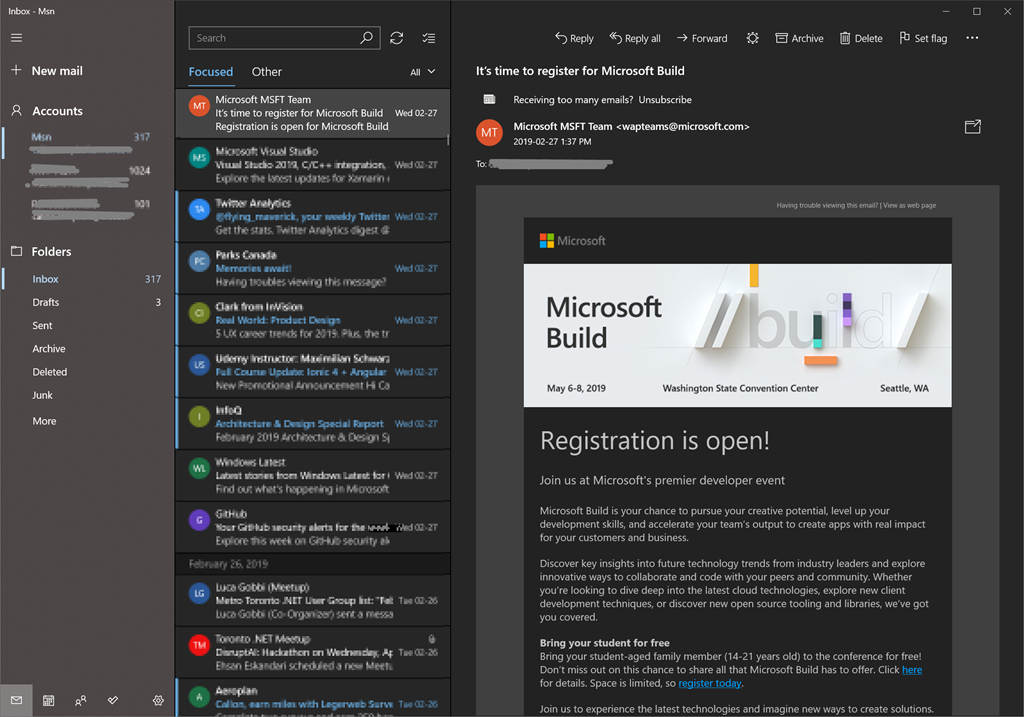
Registration is now open for Microsoft Build

Build2019

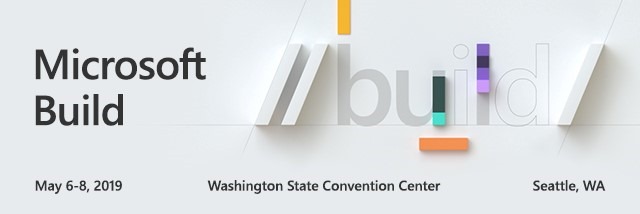
Registration is now open for Microsoft’s premier developer conference, Microsoft Build, which is taking place May 6-8 in Seattle, WA. At Microsoft Build, you’ll get access to the latest product updates, hear about Microsoft’s strategy and product roadmaps, and get hands-on, ask questions, and learn the best practices.

Some of the benefits for attending Build are:

• Learning from real-world experiences on building, modernizing, and migrating cloud applications

• Add value to your new and/or existing applications with AI

• Collaborative coding with your peers using the latest development tools

• Increasing productivity for your business with DevOps automation, tooling, and processes

• Creating and deploying cross platform applications

• Discovering innovations across Mixed Reality, IoT, and Machine Learning

• Learning new ways to easily customize, build, and extend applications with minimal code

If you’re interested in the content from last year, here is complete listing of the 2018 sessions.

New this year is the ability to bring your student-aged family member (14-21 years old) to the conference for free! For details about this wonderful opportunity, click here. Space is limited, so register today. While attending the event last year, one of the Microsoft Executives brought his two daughters and it was awesome to see them take interest and engage with the speakers and product groups. I’m glad they made this available this year for all eligible students.

I went to Microsoft Build last year for the first time and loved the experience to see and try the latest technologies, to connect with peers, and discover new innovative solutions to build. I’m not able to attend this year but I’m hoping to go again in the near future. If you can’t attend, then you always have the option to watch it on demand.

If you’re interested in going, then Register for Microsoft Build now!

Enjoy!

References

Microsoft Build

Microsoft Build FAQ

AzureDatabase

February release of Azure Data Studio is now available

image

The February release of Azure Data Studio is now available to download and includes the following key highlights:

  • Introducing Admin pack for SQL Server
  • Auto-sizing columns in results
  • Notebook UI improvements
  • Added Profiler filtering
  • Added Save as XML
  • Added Data-Tier Application Wizard improvements
  • Updates to the SQL Server 2019 Preview extension
  • Turned on results streaming by default
  • Deploy scripts
  • Bug fixes

For a list of the complete updates, refer to the release notes.

Download Azure Data Studio now!

References

https://cloudblogs.microsoft.com/sqlserver/2019/02/13/the-february-release-of-azure-data-studio-is-now-available/

DevelopmentReflectInsight

Preview of ReflectInsight.Core

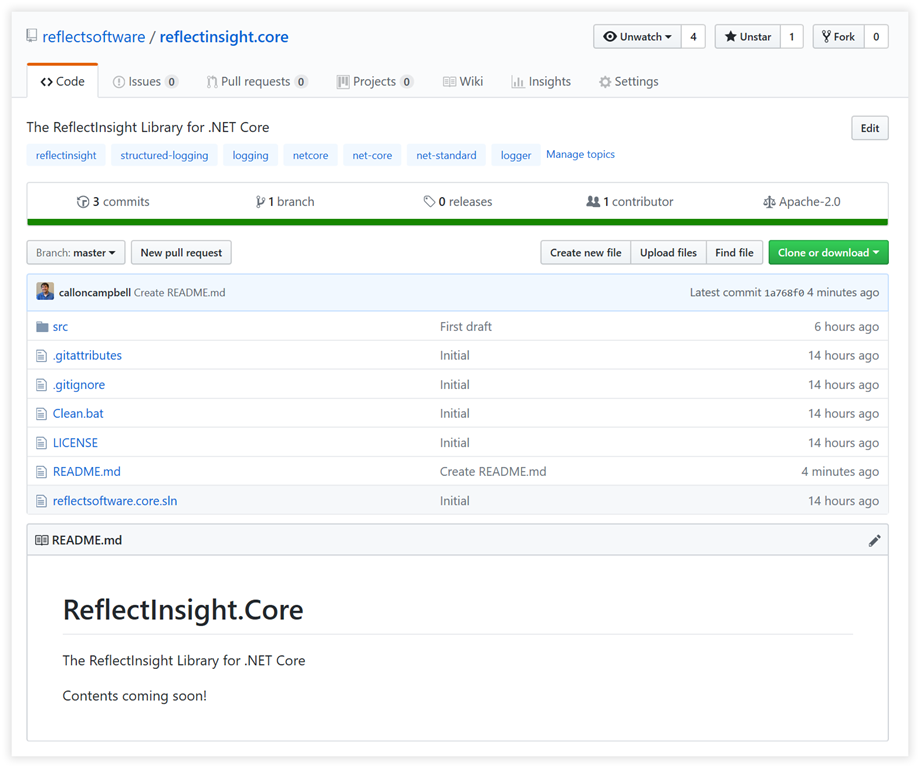
Today we published our first draft of ReflectInsight.Core, a port of our ReflectInsight logging library for .NET Framework to .NET Core and we are making it open source on GitHub. We still have some things to iron out like setting up a CI/CD, NuGet package creation, a sample app, docs and some refinements to the code base.

So far is working in our labs and we will share more information with you soon.

image

Enjoy!

Note: This post was re-blogged at https://blog.reflectsoftware.com

References

https://github.com/reflectsoftware/reflectinsight.core/tree/master

AzureEventsMVP

Ignite The Tour 2019 Toronto Recap

sshot-991

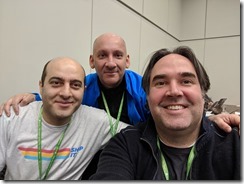
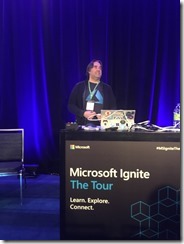
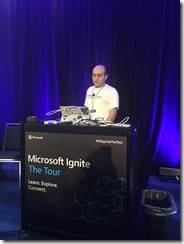
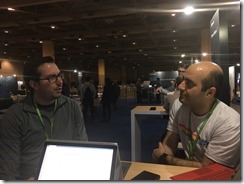
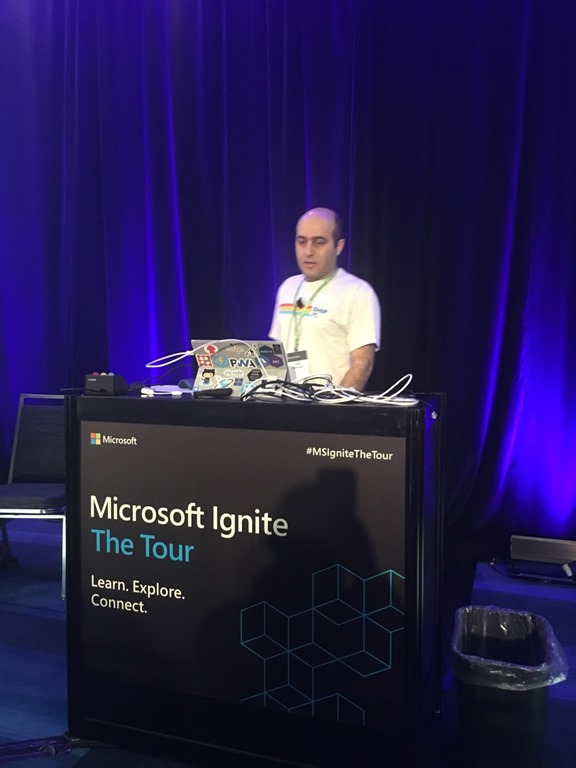
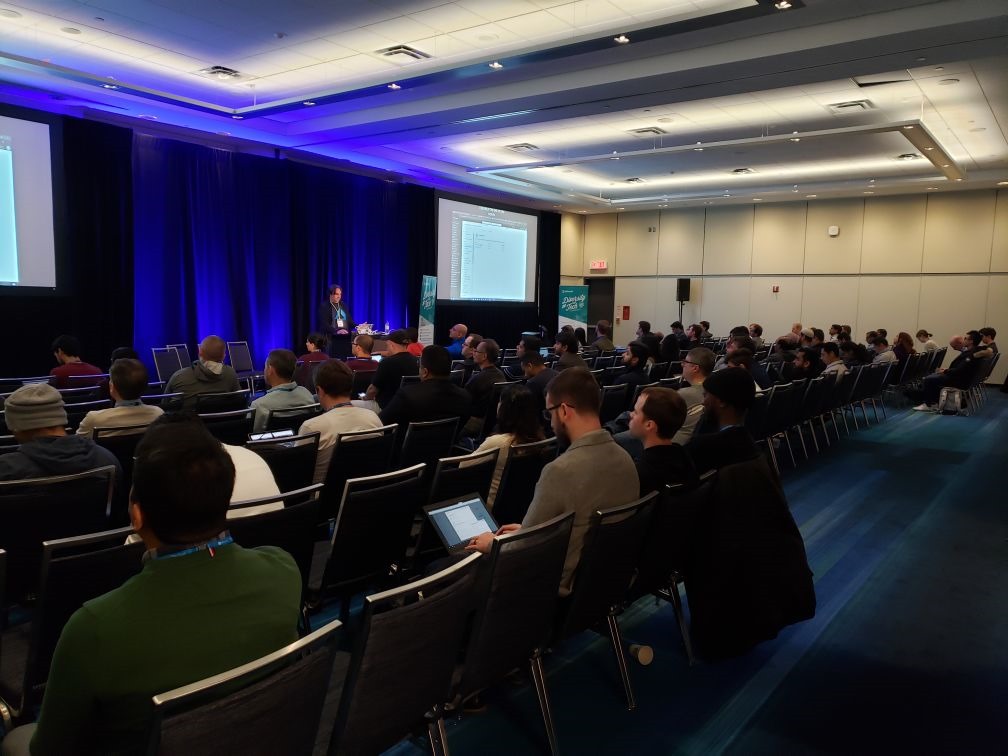
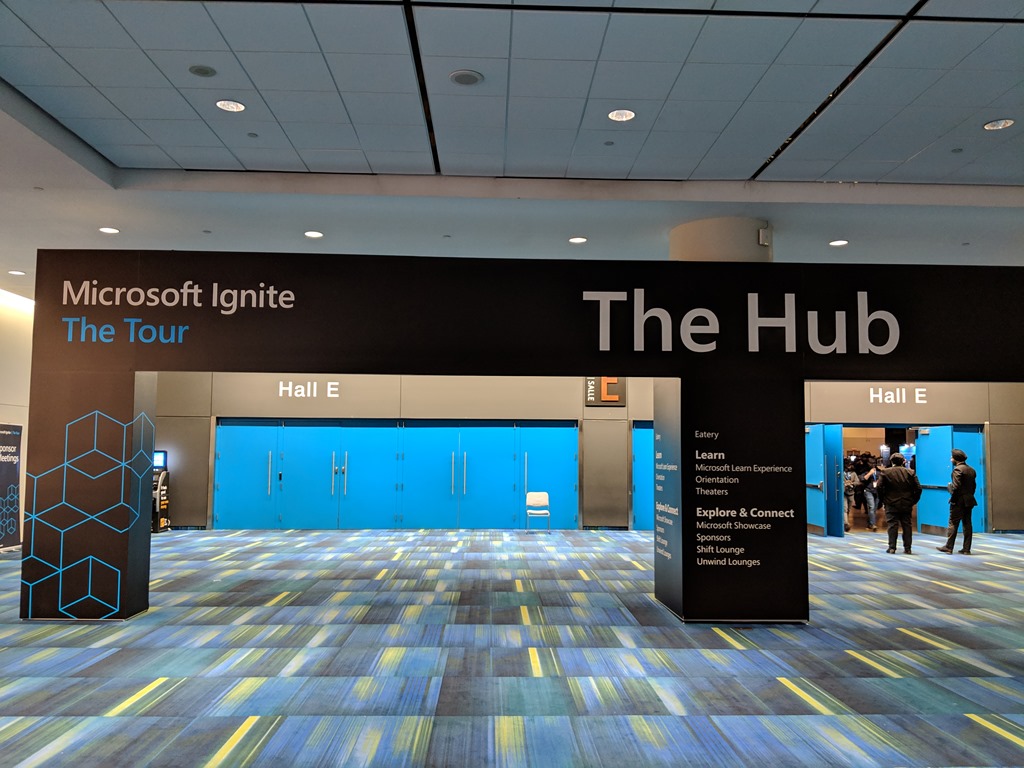
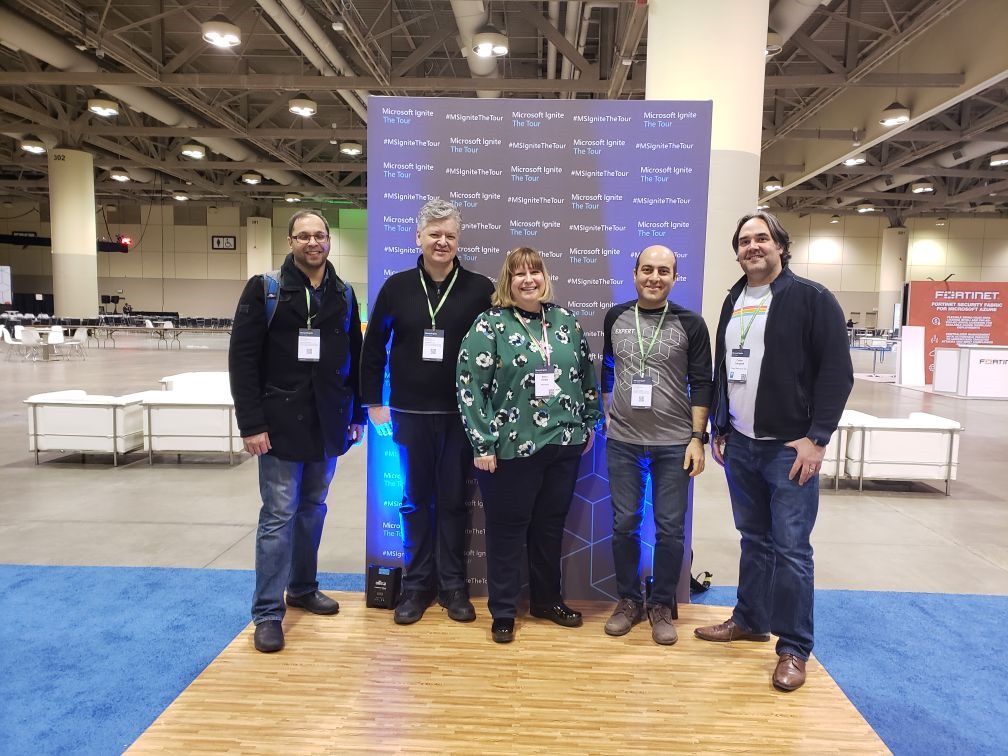
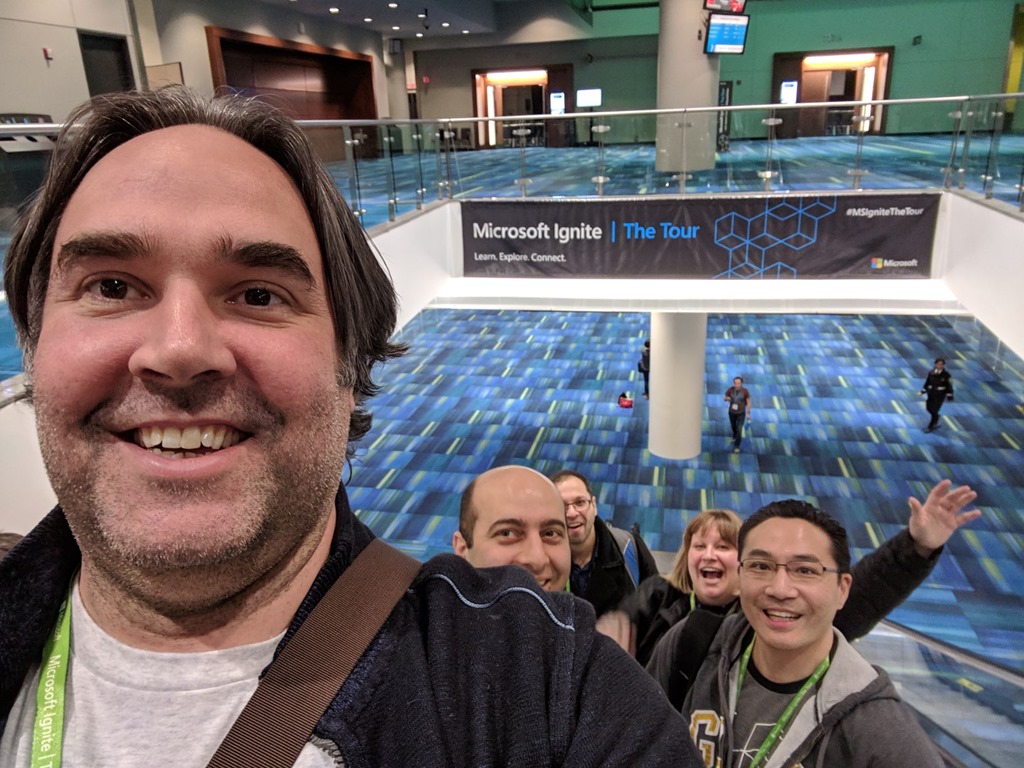
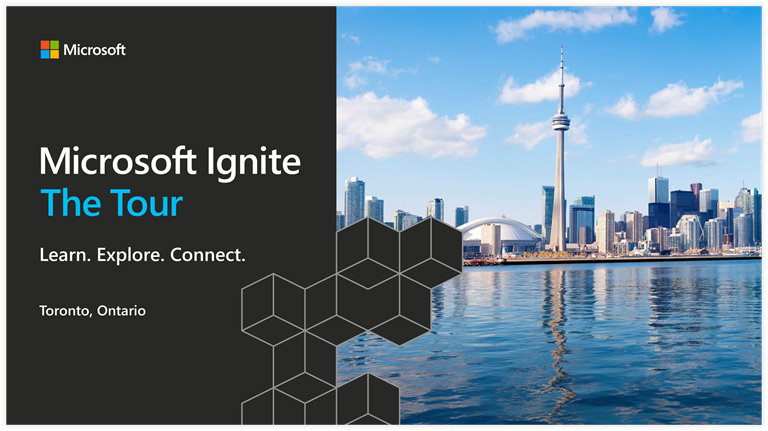
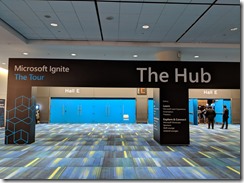
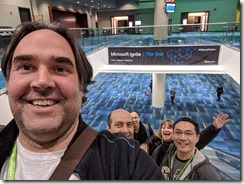
This year I had the opportunity to attend and participate as a speaker at the Microsoft Ignite The Tour in Toronto. The event was held over two days from January 10-11, 2019 at the Metro Toronto Convention Centre, and provided a venue for developers and tech professionals to continue learning alongside experts in developer tools and cloud technologies. It also provided an opportunity to connect with technical community and learn best practices and insights into cloud development, data, IT, AI, and business intelligence.

With events like this I usually attend as an attendee, but this year myself and two colleagues put through submissions for the call for speakers from the MVP community. For me this year has largely been about Azure DevOps and trying to connect with local developers, IT, and businesses and showing them up to take advantage of DevOps, specially with Azure DevOps. So it was only natural to focus my efforts around this. It also provided a great opportunity to connect with industry experts and other Microsoft MVP’s to further my education and career path.

Here are some morning pictures outside the contention centre. It was a nice clear day, but it was very cold.


IMG_20190110_082201 IMG_20190110_082207

Getting Prepared for my Talk

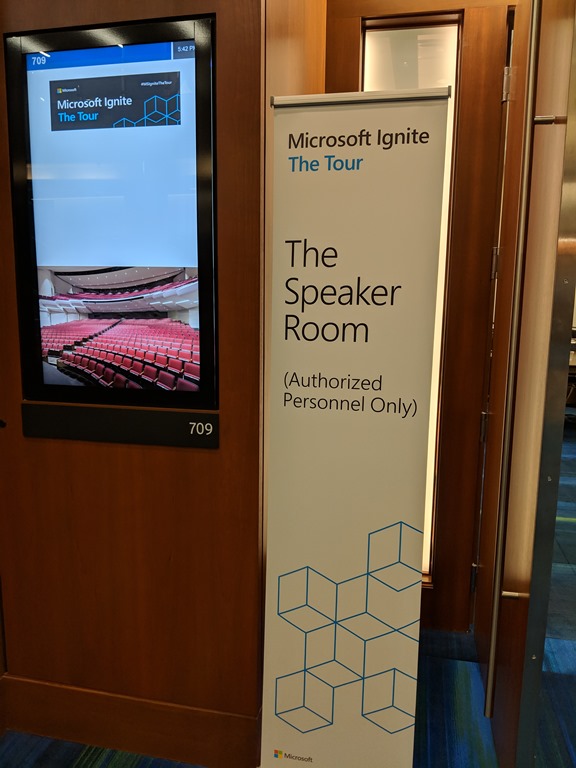
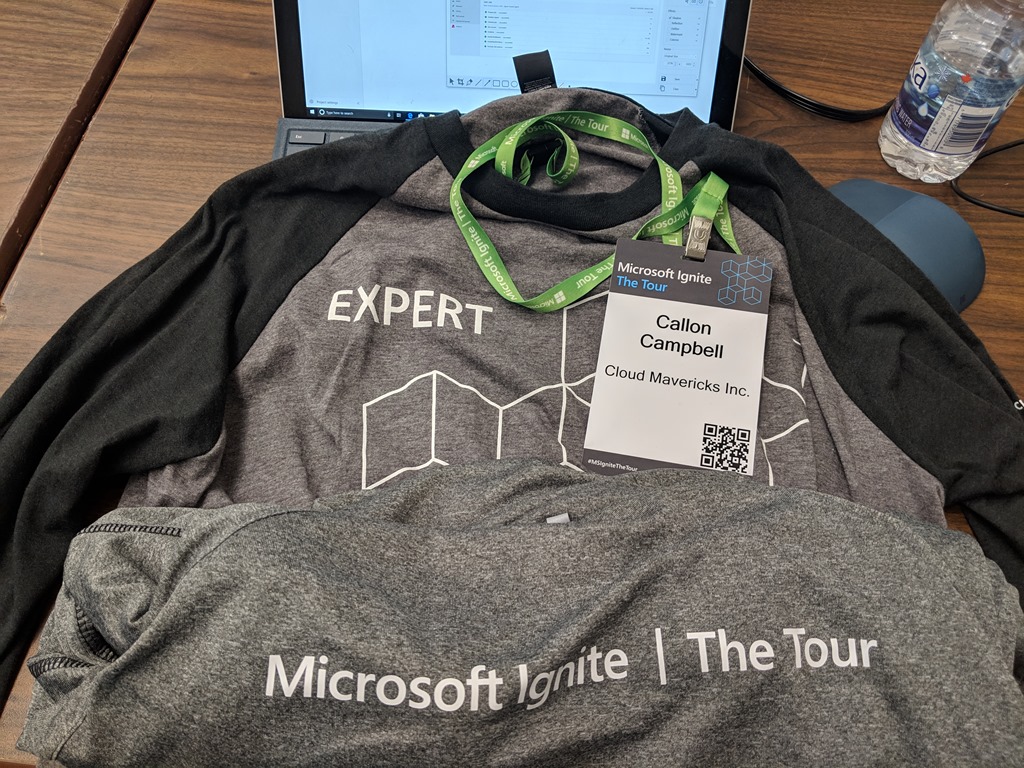
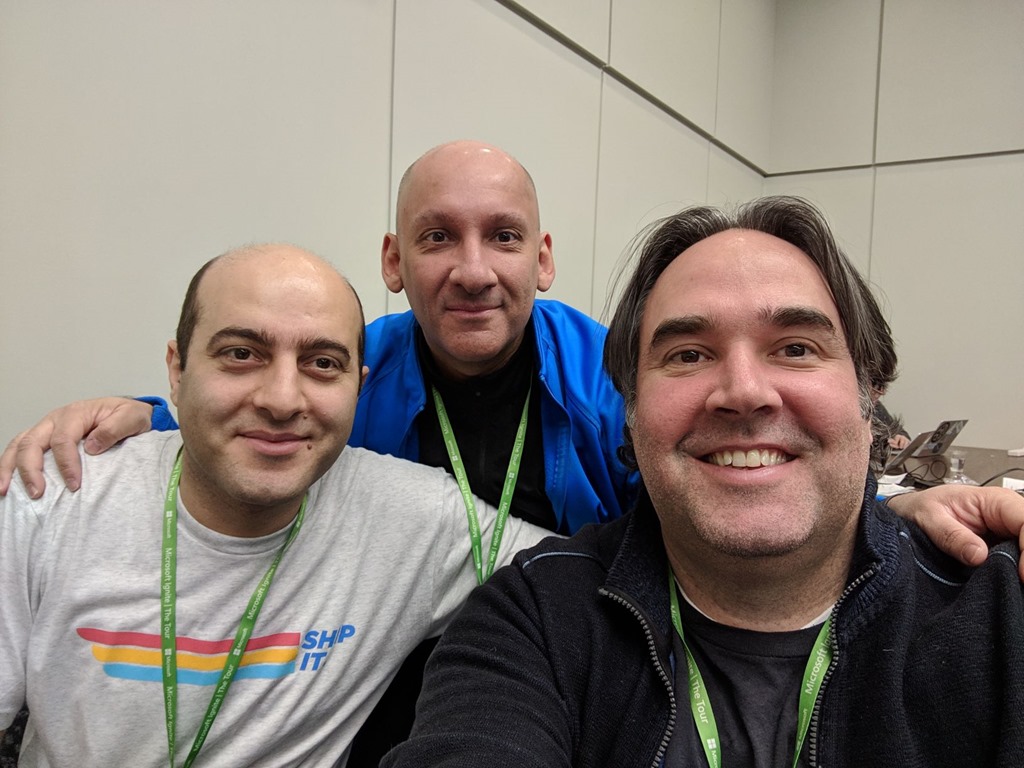
Day 1 of the conference was our talk on Azure DevOps. After getting my badge I met up with my co-presenters Ehsan and Arlan in the speaker room. This is a relatively quiet place to get away from the crowd and do some preparation or just relax. The food here was great too!
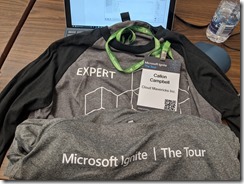
IMG_20190110_174253IMG_20190110_1009281547133023961

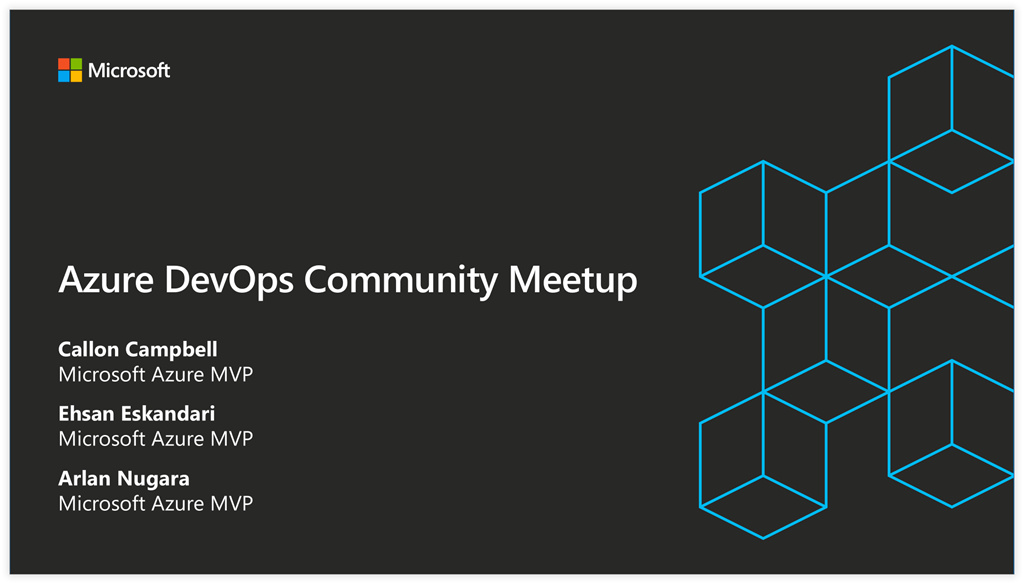
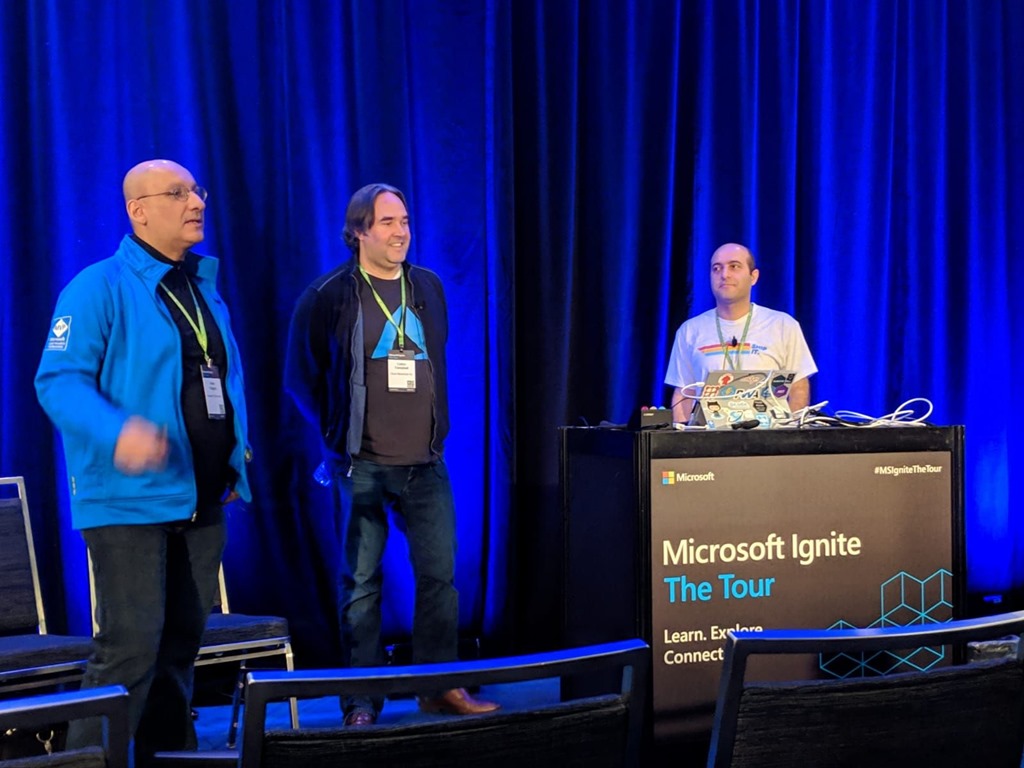
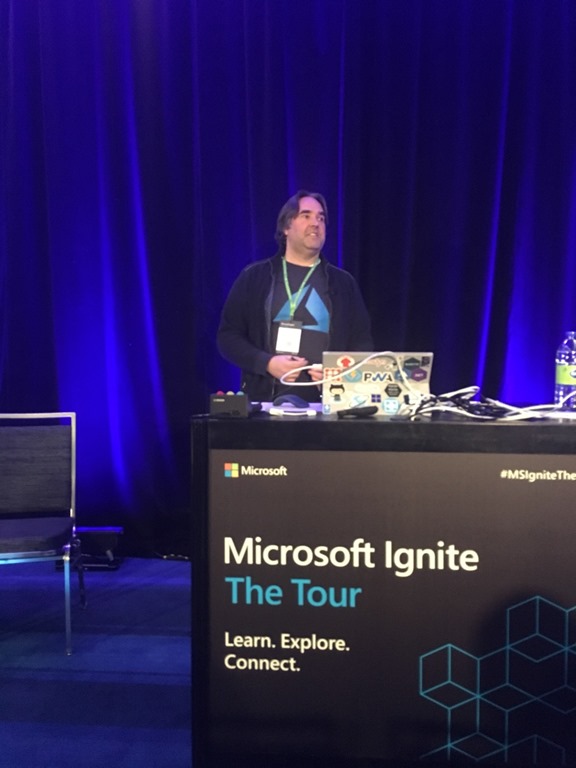
Presenting – Azure DevOps Community Meetup

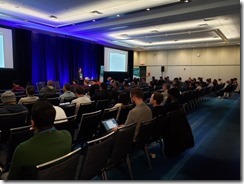
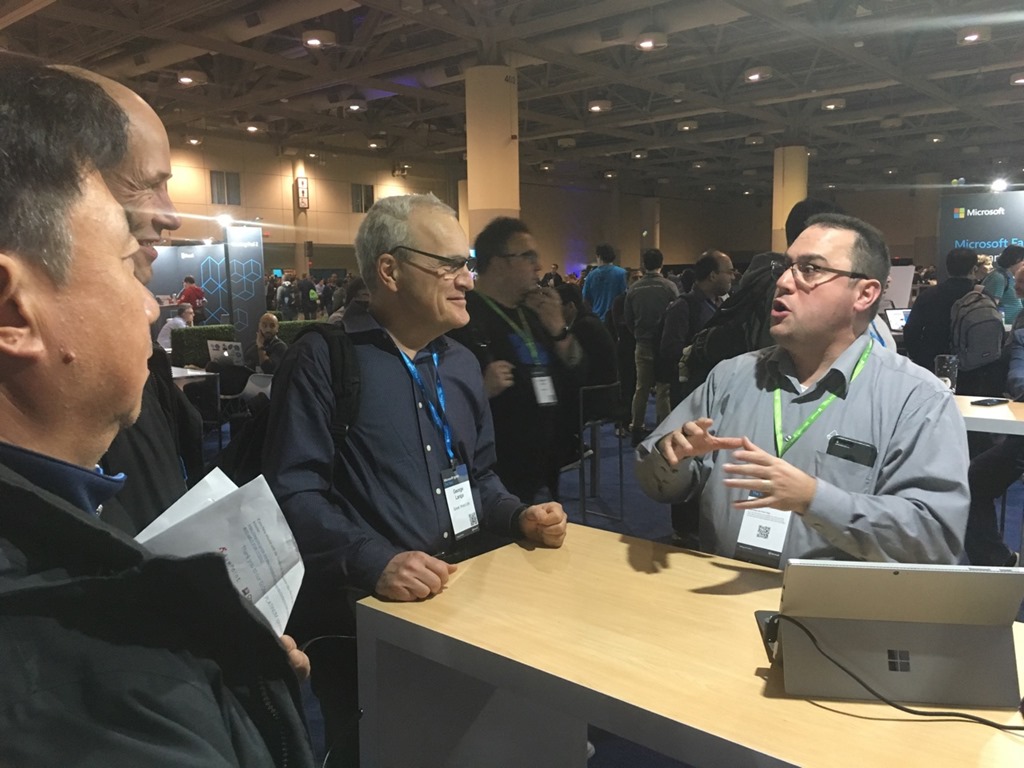
Our talk was a community meetup on Azure DevOps with 146 people registered and we had great turnout of 130 or so. The presentation sparked many conversations with the attendees and other community MVPs. This later led to a conversation about coordinating a single Global Azure DevOps Bootcamp in the Great Toronto Area which was very exciting.
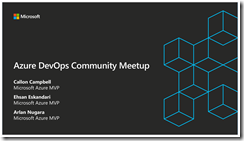
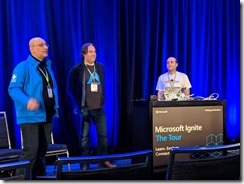
image1547392522483334B3F5C-4E87-4D19-8E33-411C2FE6B8D07FA8717C-612D-4F7A-AE70-3BBC3A9696AF1547264107706

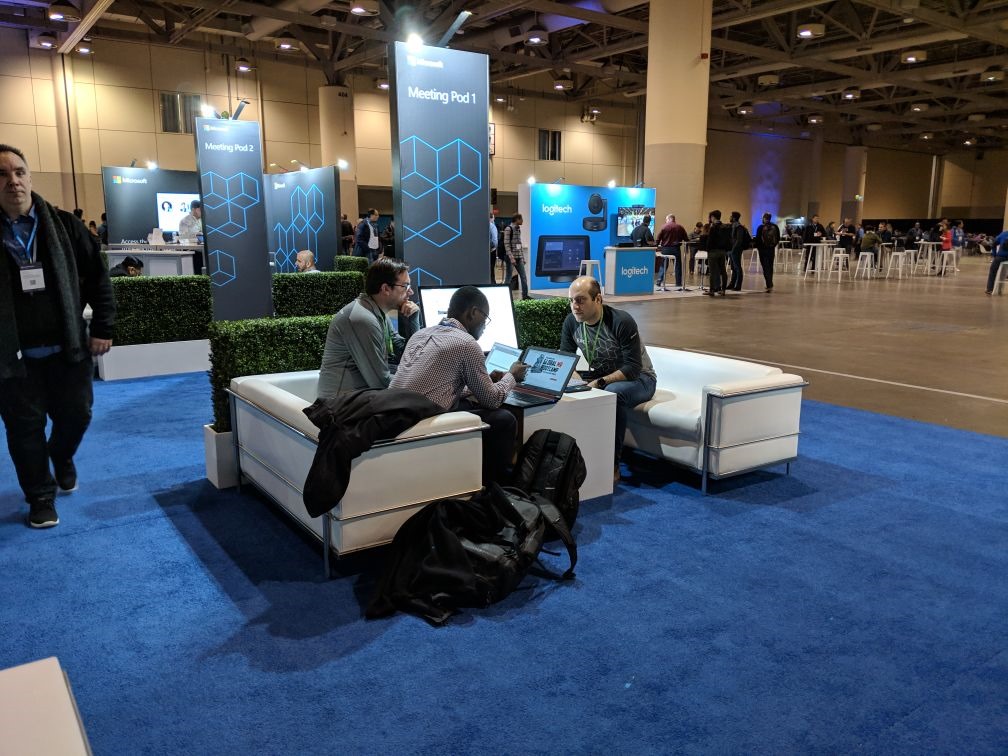
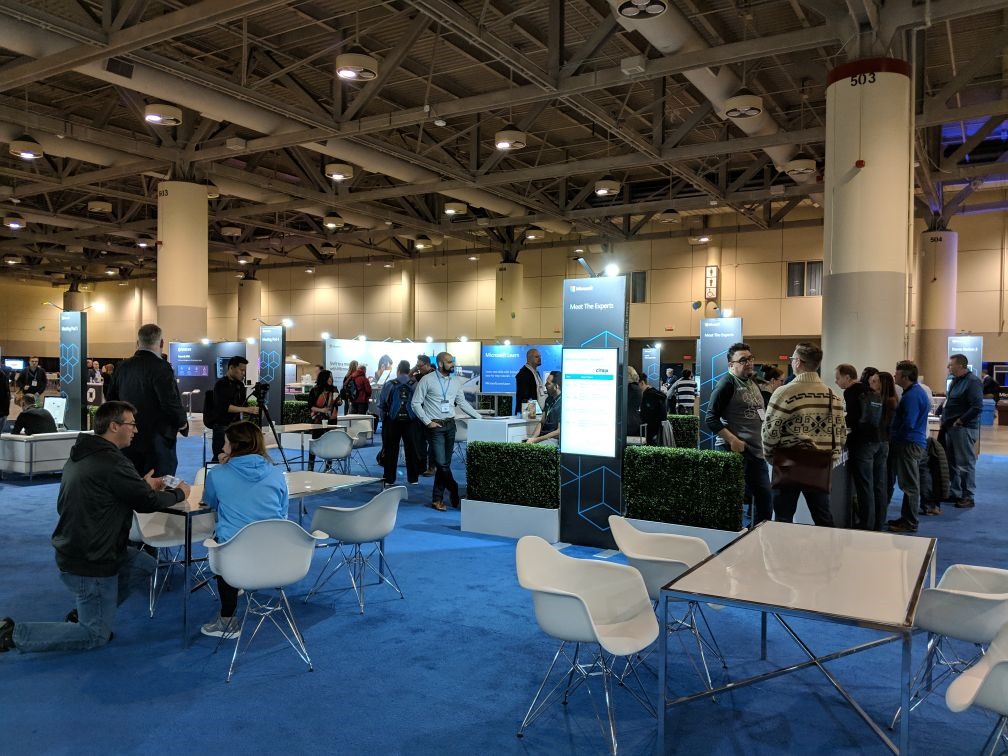
Working the Microsoft Area – Demo Stations, Lounges and Meeting Pods

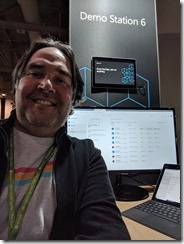
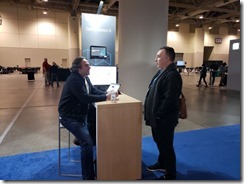
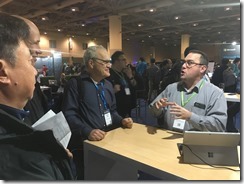
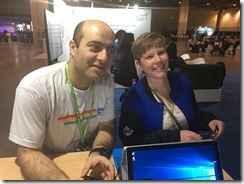
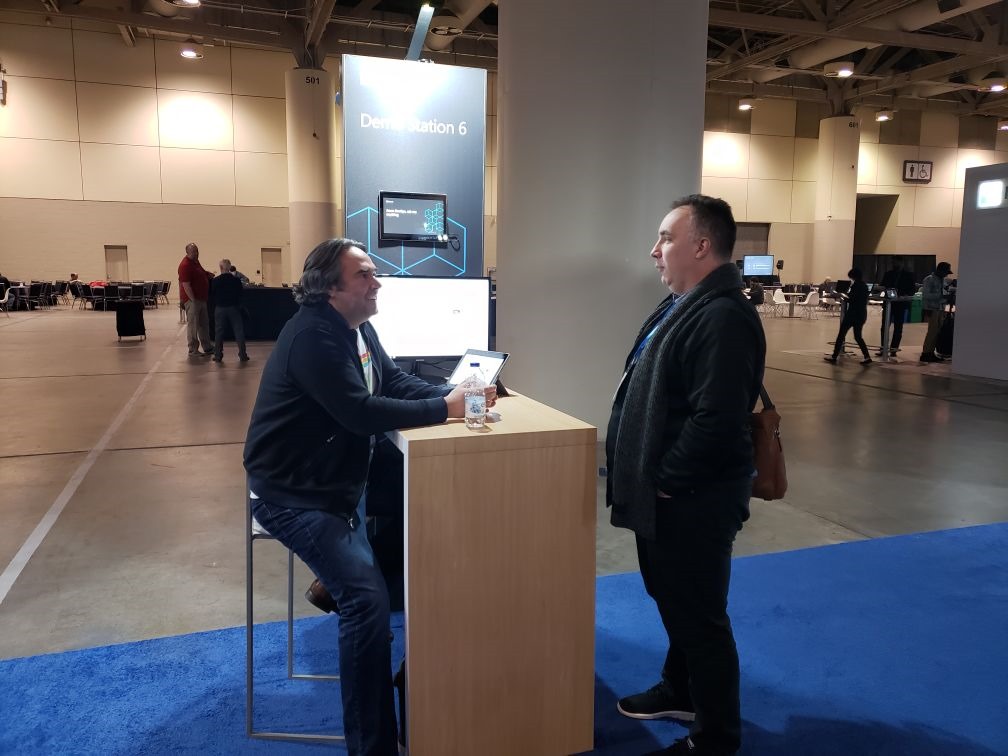
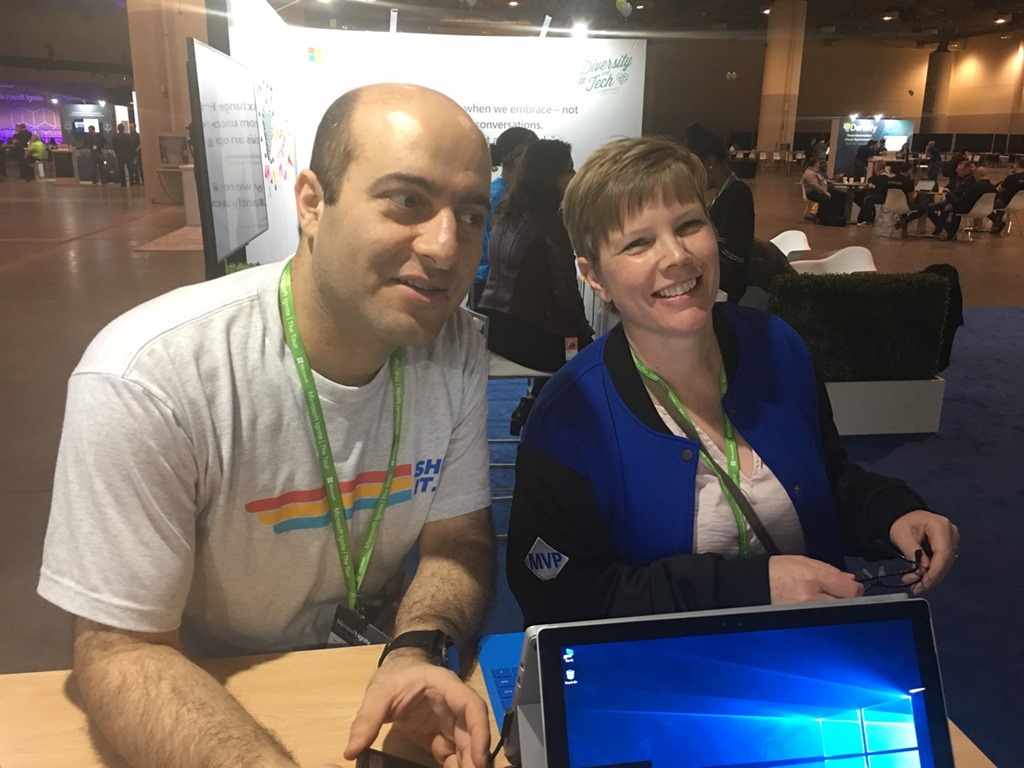
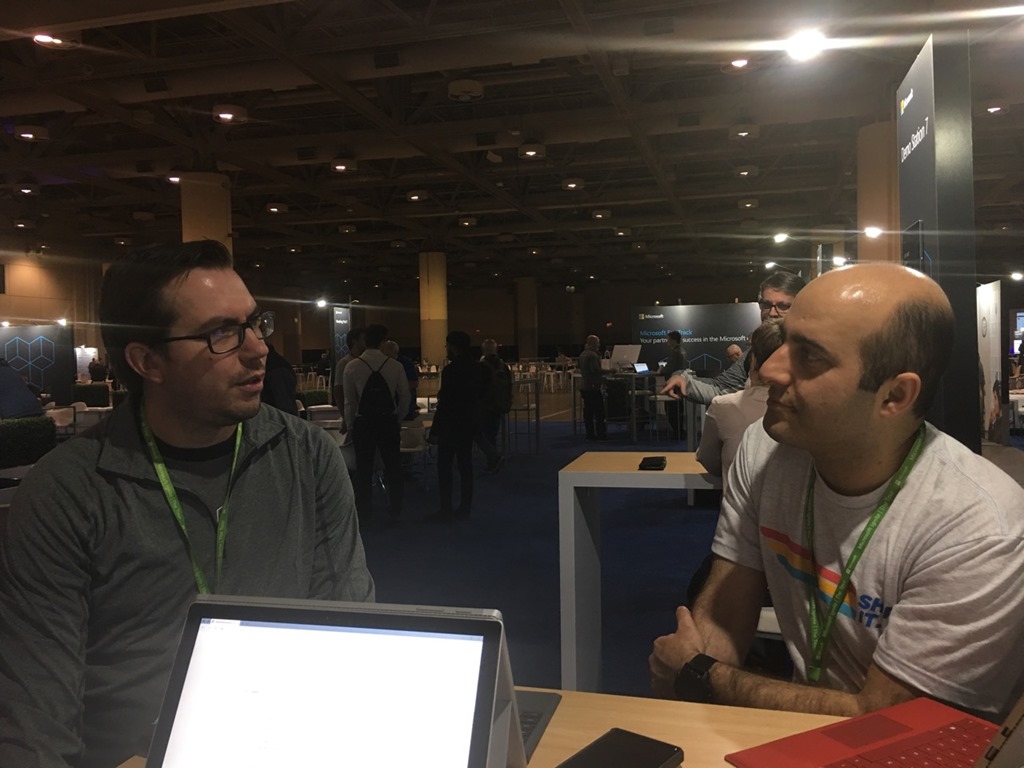
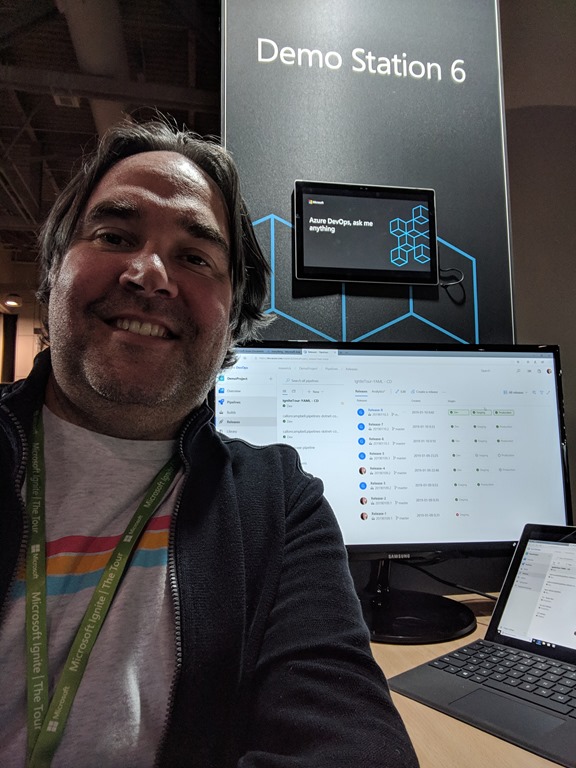
After the presentation was done we had arranged a Meeting Pod for both days to continue the Q&A discussions that sparked from the talk. This allowed attendees to come and talk with us afterwards since our time in the room was limited. I also got to work the Demo Station where anyone could walk up to me any ask me anything. I focused my demos on Azure DevOps, Azure Functions, Event Grid and Logic Apps.
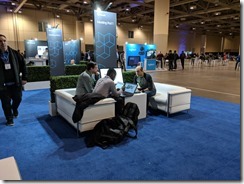
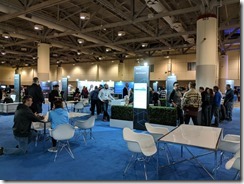
15472443567771547244327263IMG_20190111_1130421547264142090

Networking, Socializing and Connecting with the Community

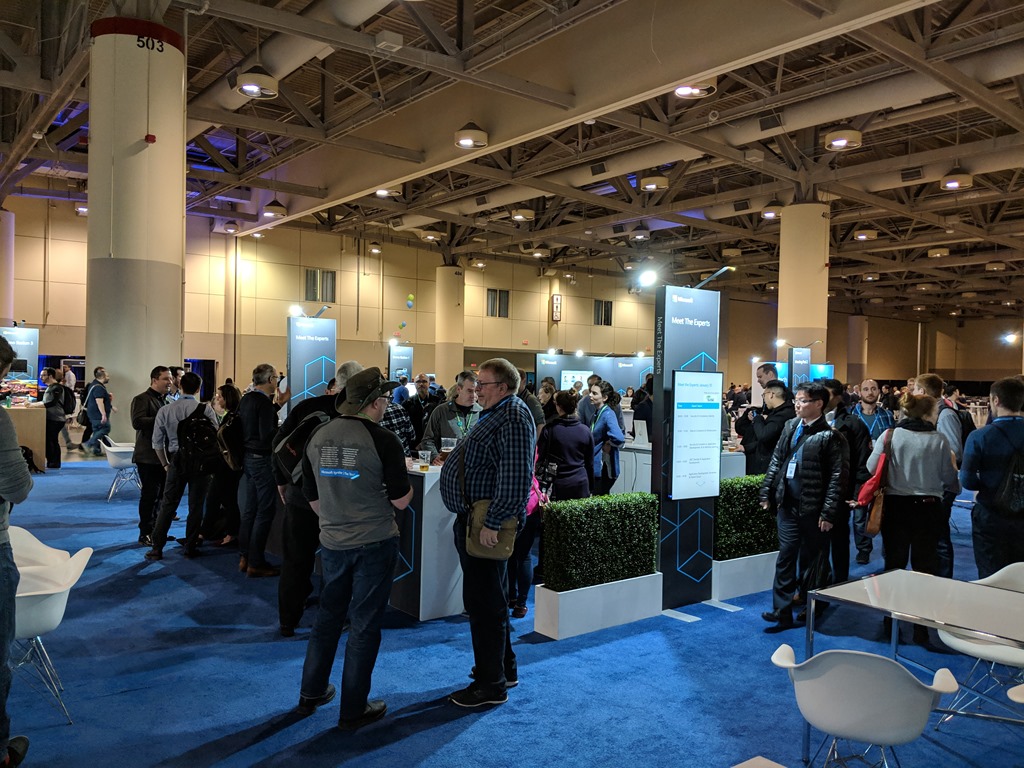
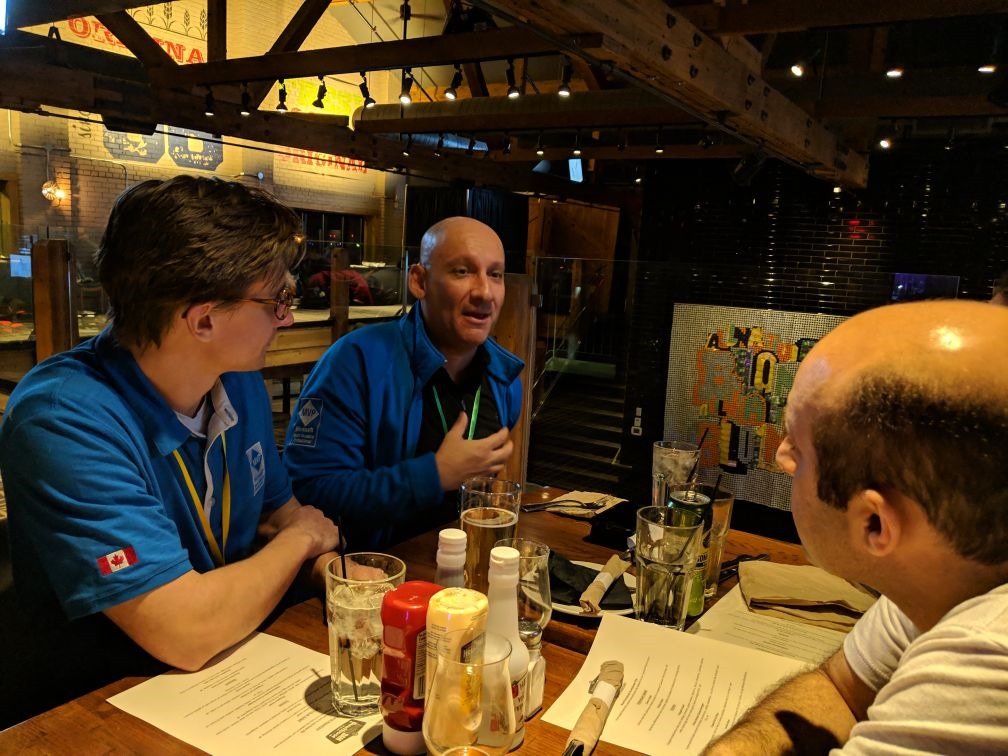
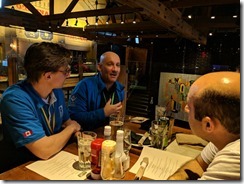
Of course you need to have fun and there was plenty of it throughout the two days. I had the opportunity to connect with other MVP’s in the local community and those that flew in for the event. I love this group and the passion we all share to learn and help others in the community.

IMG_20190110_164643IMG_20190110_165913BEA9BAAD-FB6A-427D-B7BF-D9D25FB8EAF62632D307-75CA-42F2-A0C4-7BEDEEB7393EAE6A7D3D-652C-4563-8CE3-ADD4625DF949

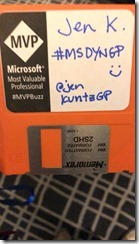
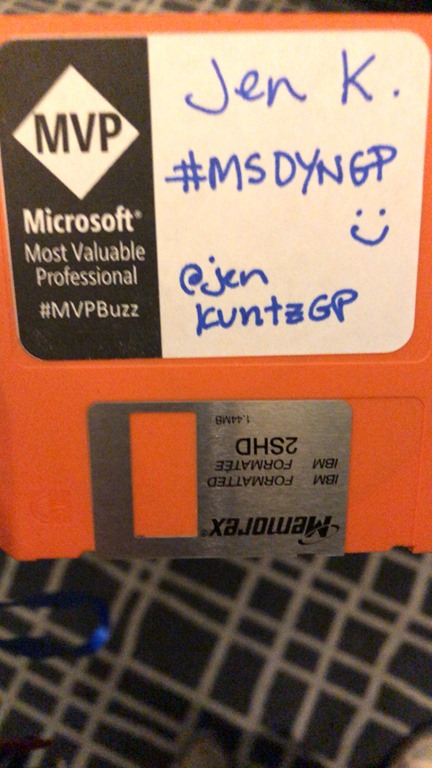
In the evening there was a MVP social dinner. The name tags for the event were a neat idea, 1.44” floppy disks on a lanyard. I wonder what rock those disks were dug up from? I’m sure I have a box of these somewhere in my basement “tech” museum.

154724455423215472445542881A96A7C1-7548-4108-AAF5-044033D767EA

Wrap Up

Having the opportunity to participate at a conference like this was amazing. What was special about this event is that it was my first high profile conference to speak at. When I was younger public speaking was something I dreaded and tried to avoid at all cost. Speaking at conferences like this is nerve racking at first but does goes away as you get comfortable and relaxed. You get so much support from the tech community, whether its other speakers, colleagues or just the attendees wanting to engage with you and try to solve similar problems.

I had a blast at this event and I can’t wait for next year. I hope I once again get the opportunity to participate in this conference as a speaker, staffer or both.
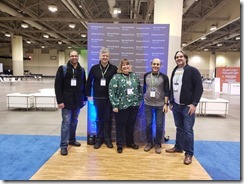
15487351539121547244408575

Enjoy!

Resources
Uncategorized

Introducing Plato.Core

Plato.Core-256

Today we’re pleased to announce the availability of Plato.Core, a port of our popular Plato.NET library for .NET to the .NET Core framework.

Plato.Core supports the following features:

  • Async/Await
  • Object Mapper
  • Memory Cache
  • Configuration
  • Messaging
  • Security
    • Serializers
    • Support for ActiveMQ
    • Support for RabbitMQ
    • Support for Redis cache

    To get started, search for Plato.NetCore on NuGet.org from within Visual Studio and Visual Studio Code. Take a look and let us know what you think and please contribute!

    Cheers,
    The ReflectSoftware Team

    NOTE: This post was reposted on https://blog.reflectsoftware.com .

    References

    https://github.com/reflectsoftware/Plato.Core

    https://github.com/reflectsoftware/Plato.NET

    Development

    Introducing Plato.Core

    Plato.Core-256

    Today we’re pleased to announce the availability of Plato.Core, a port of our popular Plato.NET library for .NET to the .NET Core framework.

    Plato.Core supports the following features:

    • Async/Await
    • Object Mapper
    • Memory Cache
    • Configuration
    • Messaging
    • Security
      • Serializers
      • Support for ActiveMQ
      • Support for RabbitMQ
      • Support for Redis cache

      To get started, search for Plato.NetCore on NuGet.org from within Visual Studio and Visual Studio Code. Take a look and let us know what you think and please contribute!

      Cheers,
      The ReflectSoftware Team

      References

      https://github.com/reflectsoftware/Plato.Core

      https://github.com/reflectsoftware/Plato.NET